AnyMP4 Logo Svip Promotion

Remove All Types of Lock Screen Passcode

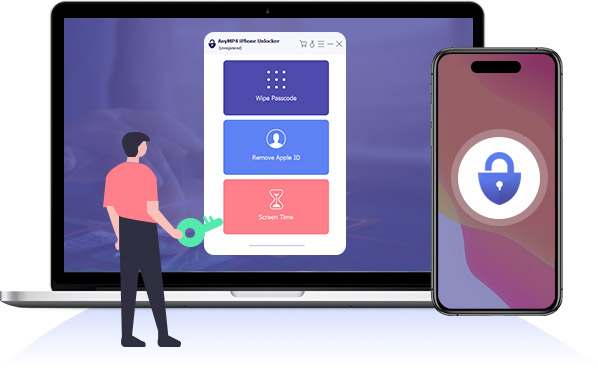
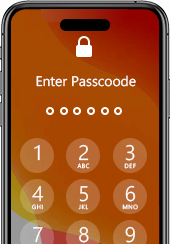
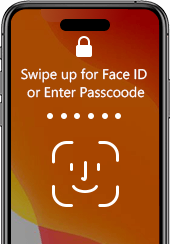
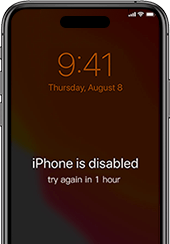
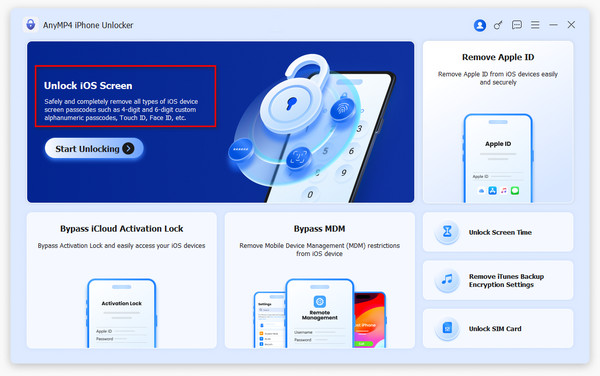
Have you ever encountered the embarrassment of forgetting iPhone passcode? Though various accidents happen, you still have to unlock iPhone with a passcode. To avoid the dilemma of forgetting passcode, AnyMP4 iPhone Unlocker comes out to help you remove all types of lock screen passcode. No matter you are using a 4-digit passcode, 6-digit passcode, Face ID or Touch ID, you can unlock your iPhone, iPad or iPod without entering any passcode.

  • 4-digit Passcode 4-digit Passcode
  • 6-digit Passcode 6-digit Passcode
  • Face ID Face ID
  • Touch ID Touch ID
unlock iPhone Screen

iPhone Screen Locked? Remove Passcode in Any Scenarios

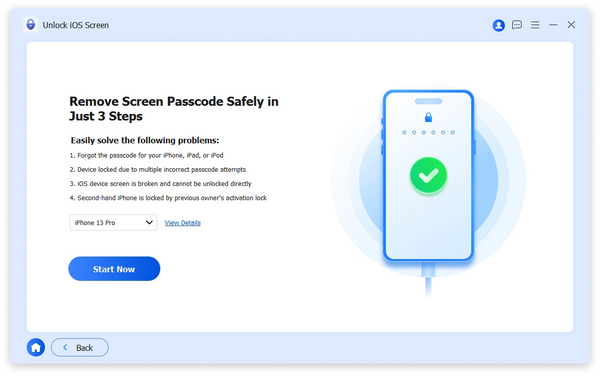
With AnyMP4 iPhone Unlocker, you can unlock iPhone in various situations without any difficulty. It unlocks a password-forgotten iPhone, broken screen iPhone, second-hand iPhone, Face ID/Touch ID disabled iPhone easily without the highest success rate.

Attention: While removing the screen-lock passcode, all the data and settings on iPhone will be erased.

Remove Apple ID

Forgot Apple ID? Remove Apple ID in Seconds

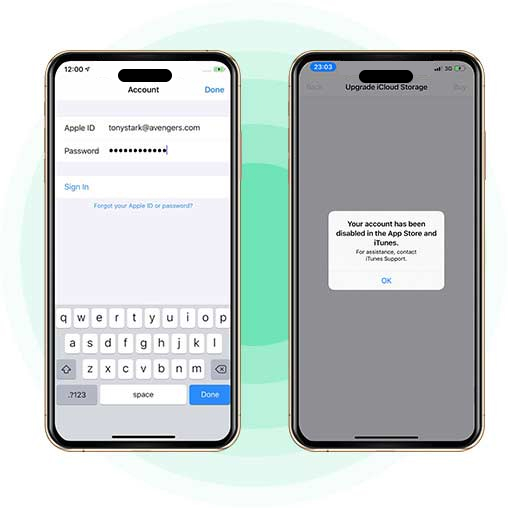
Apple ID is the access to all your Apple services and the seamless collaboration with all devices. Fogot Apple ID means that you lose control of Apple services like Apple Music, iCloud, Apple Store, iMessages, FaceTime and more. AnyMP4 iPhone Unlocker helps you remove the old Apple ID and iCloud password. After that, you can create a new Apple ID account to activate your iPhone.

  • Attention: After deleting Apple ID, all data and settings will be deleted.
  • iOS devices running iOS 11.4 or later and Find My iPhone/iPad is enabled, you must enable Two-factor Authentication.
  • Don’t use erase All Content and Settings feature or Restore iPhone using iTunes, because it will link to your old Apple ID and get stuck in iCloud activation.

Remove Screen Time Passcode/Restrictions Passcode

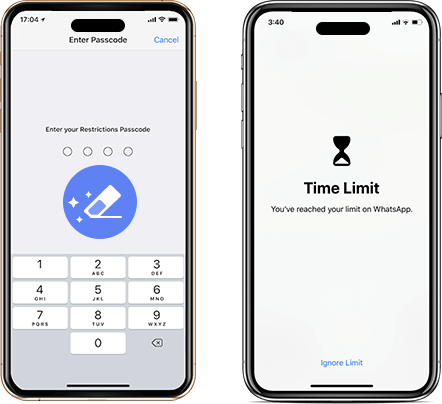
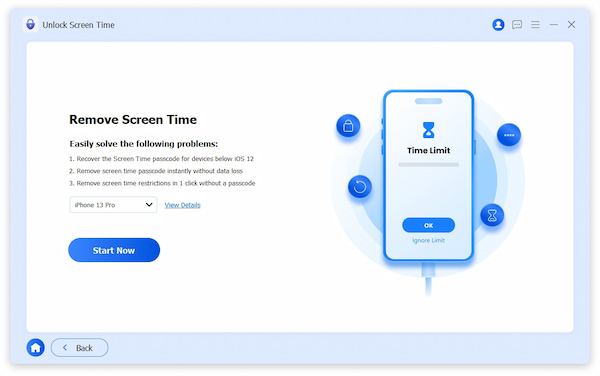
When the pop-up window reminds you that You’ve reached your device limit, you should enter the Screen Time passcode to adjust the settings. Once you forgot Screen Time passcode, it is embarrassing. AnyMP4 iPhone Unlocker will help you retrieve and remove Restrictions passcode to turn off Screen Time, without losing any data on iPhone or iPad.

  • Attention: You should turn off Find My iPhone/iPad to remove Screen Time passcode.
Remove Screen Time Passcode Leaf
MDM

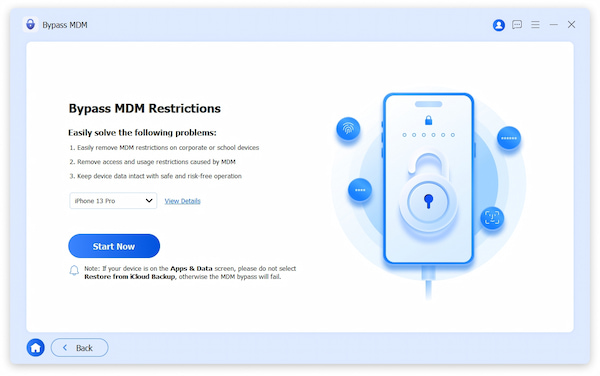
Bypass MDM and Remove MDM Profile without Password

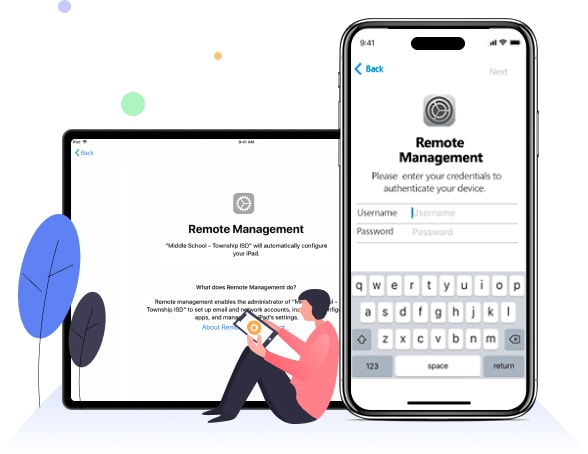
MDM or Mobile Device Management prevents you from enjoying the full iPhone or iPad features. AnyMP4 iPhone Unlocker helps regain full access to your iOS devices. Without using the password, you can remove MDM from iPad and iPhone easily. Then, nothing will stop you from accessing the App Store. No more credentials confirmation is needed while using the device. Set your device free and enjoy iPhone/iPad with this iPhone Unlocker.

Note:

  • Please note that bypassing MDM will remove all the settings and data on your device.
  • While removing the MDM from your device, please turn off Find My iPhone.
  • You need to restart the device after removing the MDM.

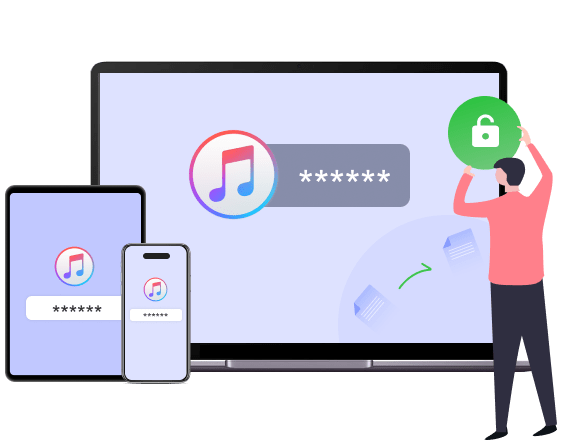
Get Back Your iTunes Backup with No Passwords

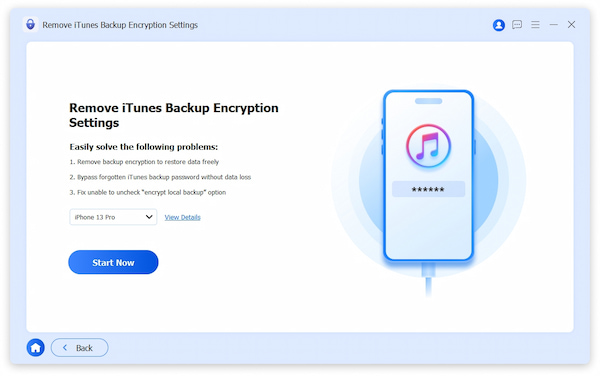
Forgot iTunes backup password? No panic. AnyMP4 iPhone Unlocker is here to save you. Use the Remove Backup Encryption settings in it, and you can unlock the iTunes encrypted backup without passwords. Once you've freed your backup, you can start a new iTunes backup again for the iPhone and iPad. Have a go with this efficient iTunes backup unlocker, and stop worrying about the backup.

iTunes Backup Encryption
Pic Sim

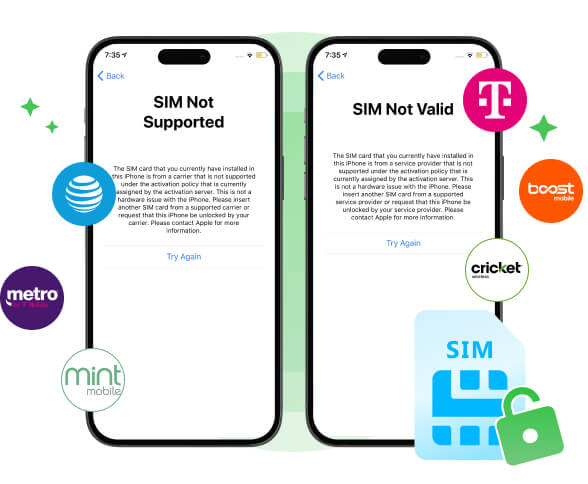
Unlock SIM Card to Switch Carriers Freely

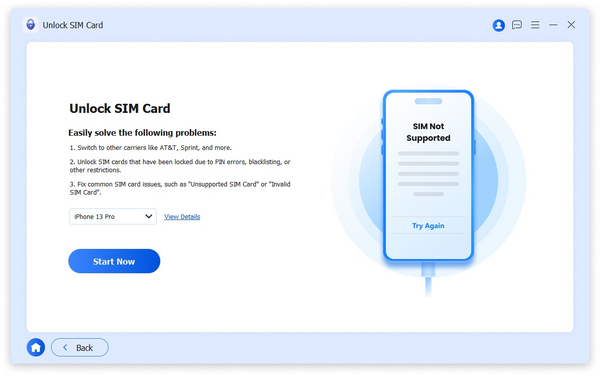
Have you been stuck with a budget-friendly overseas iPhone that won't take your local SIM, or trapped by insane roaming fees abroad because you can't switch to a local carrier? The SIM unlock feature of AnyMP4 iPhone Unlocker can bypass carrier locks on iPhones without any data loss to enable your iPhone work with AT&T, T-Mobile, Verizon, Mint Mobile, Cricket Wireless, Boost Mobile, Metro by T-Mobile, and any other carrier around the world, hassle-free.

Note: Common situations in which you need to unlock the SIM card.

  • SIM card locked due to wrong PIN attempts.
  • iPhone shows 'SIM Locked' or 'SIM Not Supported.'
  • Switching to a new carrier.
  • Using a local SIM while traveling.
  • Buying a second-hand iPhone that is locked.
  • SIM blocked and requires PUK code.

Unlock All Types of iOS Devices

As an all-featured iOS unlocking tool, AnyMP4 iPhone Unlocker supports various iOS devices like iPhone 17/16/15/14/13/12/XS, etc. You can wipe passcode, remove Apple ID and bypass Screen Time passcode without hassle.

iPhone iPhone 17/Air/17 Pro/17 Pro Max, iPhone 16 Pro Max/16 Pro/16 Plus/16, iPhone 15 Pro Max/15 Pro/15 Plus/15, iPhone 14 Pro Max/14 Pro/14 Plus/14, iPhone 13 Pro Max/13 Pro/13/13 mini, iPhone SE 3/2/1, iPhone 12 Pro Max/12 Pro/12/12 mini, iPhone 11 Pro Max/11 Pro/11, iPhone XS/XS Max/XR/X, iPhone 8 Plus/8, iPhone 7 Plus/7, iPhone 6s Plus/6s/6 Plus/6, iPhone 5s/5/5, iPhone 4S/4
iPad All models of iPad Pro, iPad Air, iPad mini, and iPad
iPod iPod touch 7, iPod touch 6, iPod touch 5, iPod touch 4, iPod touch 3, iPod touch 2, iPod touch 1

Easy to Use iPhone Unlocker

  • Step 1:Launch the iPhone Unlocker

    Launch iOS Unlocker and connect your iOS device to the computer via a USB cable. Select the Unlock iOS Screen mode.

  • Step 2:Download Firmware Package

    Confirm your iPhone information and click the Start Now button to download the firmware package.

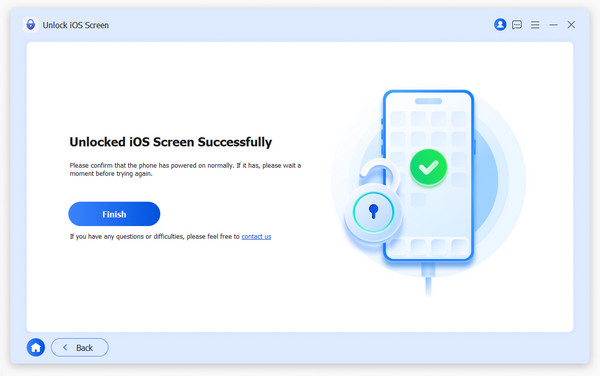
  • Step 3:Wipe Passcode

    Wait and click Finish to complete the process.

LeftRight
Unlock ios Screen start to wipe passcode unlocked successfully
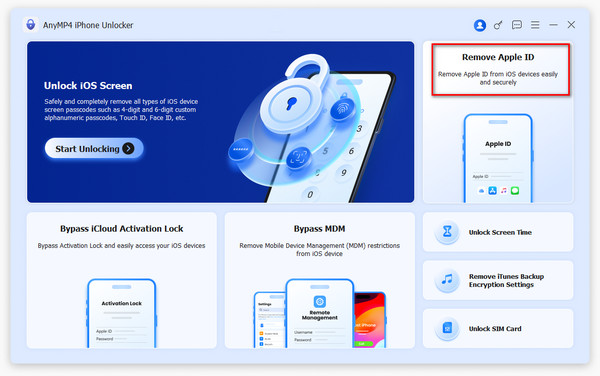
  • Step 1:Launch iPhone Unlocker

    Launch iPhone Unlocker on your computer and choose the Remove Apple ID mode.

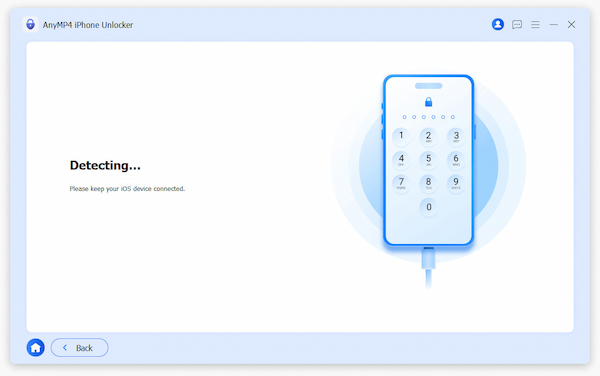
  • Step 2:Connect the iPhone to the Computer

    Connect your iPhone to the computer via a USB cable and tap Trust on your iOS device.

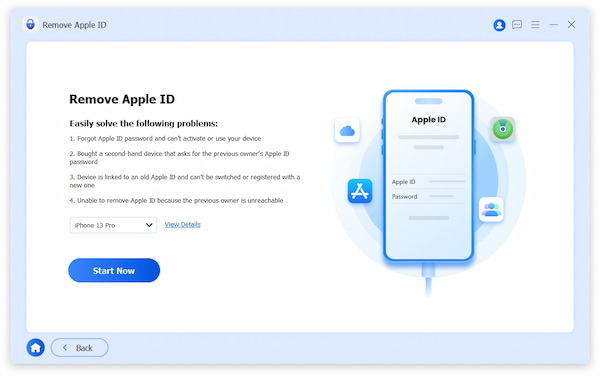
  • Step 3:Remove Apple ID

    Click the Start Now button to start removing your Apple ID and iCloud account immediately.

LeftRight
Remove Apple Id Mode Connect iPhone to Computer Start to Remove Apple id
  • Step 1:Launch iPhone Unlocker

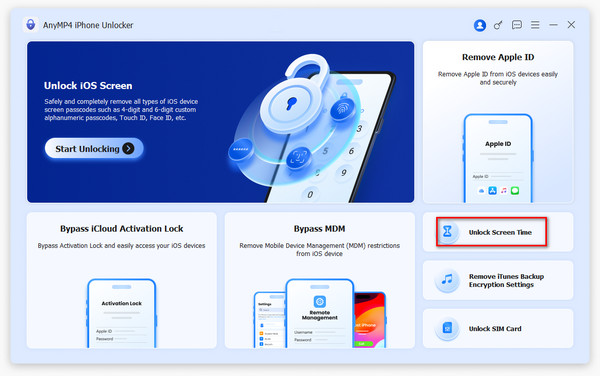
    Launch iPhone Unlocker on your computer and choose the Unlock Screen Time mode.

  • Step 2:Connect iPhone to the Computer

    Connect your iPhone to the computer via a USB cable and tap Trust on your iOS device.

  • Step 3:Remove Screen Time

    Click the Start Now button to remove the Screen Time passcode or Restrictions passcode.

LeftRight
Unlock Screen Time Connect iPhone to Computer Screen Time Start Unlock
  • Step 1:Connect iPhone/iPad

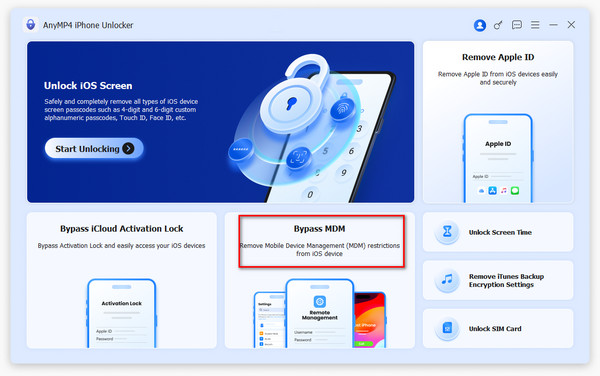
    Use a USB cable to connect the iPhone or iPad to the computer. Then, launch the iPhone Unlocker and select the Bypass MDM mode.

  • Step 2:Trust the Computer

    Tap Trust on your device. Next, click Start Now to proceed.

  • Step 3:Remove MDM from iPhone/iPad

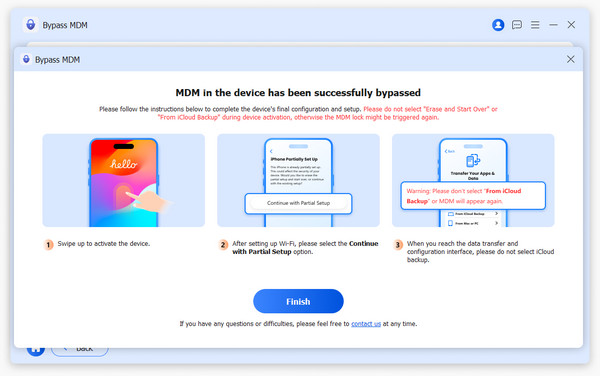
    The iPhone Unlocker will start removing MDM if Find My iPhone is turned off, and click Finish to end the process.

LeftRight
Bypass Mdm Mode Start Bypassing Mdm Bypassed Successfully
  • Step 1:Launch iPhone Unlocker

    Start this unlocker and connect your device to the computer. Trust this computer on your device.

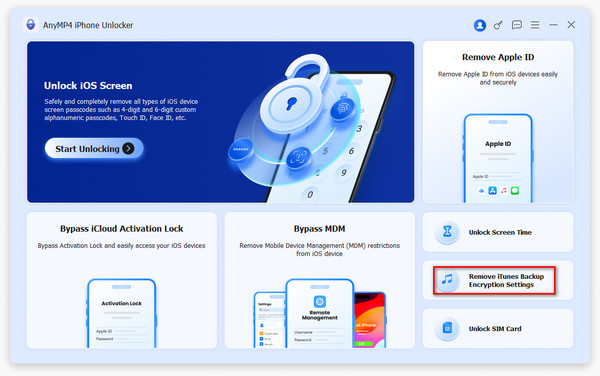
  • Step 2:Select Remove iTunes Backup Encryption Settings Mode

    After launching, click the Remove iTunes Backup Encryption Settings mode to go on.

  • Step 3:Start Removing

    Remove your iTunes backup password by clicking the Start Now button.

LeftRight
Connect iPhone to Computer Remove iTunes Backup Settings Remove Rncryption Settings
  • Step 1:Device Connection

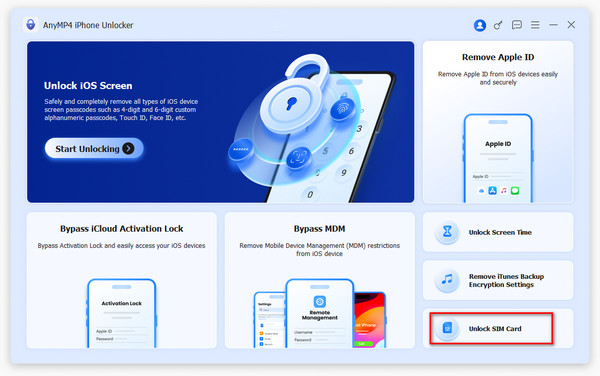
    Plug your iPhone into your computer using a USB cable and select the 'Unlock SIM Card' option from the main interface.

  • Step 2:Process Initiation

    Once the software detects your device, simply hit the 'Start Now' button to trigger the unlocking sequence.

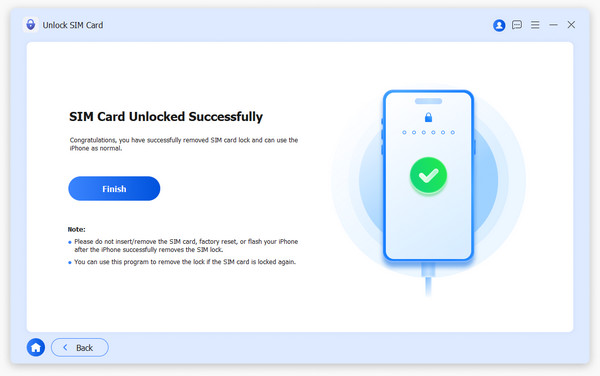
  • Step 3:Successful Completion

    Wait a few moments for the software to finish its work; your device will be free from its SIM restrictions shortly.

LeftRight
Unlock SIM Card Mode Unlock SIM Start Now Unlock Sim Finish

What Our Users Say

  • Mario Mario

    This iPhone Unlocker helped me a lot. I tried several times and couldn’t access my iPhone. Then I used this iPhone Unlocker, and it wiped the passcode easily. I’d like to recommend it to all my friends.

  • Colin Colin

    AnyMP4 iPhone Unlocker helps me remove my old Apple ID successfully. I forgot the password and can’t get it without questions. Now I can set up a new Apple ID and use my FaceTime again.

  • Juliana Juliana

    I got a second-hand iPhone last week. This iPhone unlocker software helps me delete the 4-digit lock screen passcode. I can open it normally. An efficient software, very recommended!

Support

Special Offer

Related Hot Articles

You May Like These Products