
Specially designed for video fans, AnyMP4 MKV WMV Conversion is capable of converting MKV and other videos like MP4, FLV and AVI to WMV and WMV HD format. It also possesses incredible editing tools that helps you customize video effect according to your needs. The converted WMV video is supported by all kinds of video players and portable devices.
Windows Media Video, also known as WMV, is a video compression format developed by Microsoft. The newest WMV 9 introduced several important features including native support for interlaced video, non-square pixels, and frame interpolation, which makes it one of the most popular video formats around the world.
Secure Download
Secure Download
Download AnyMP4 MKV to WMV Conversion by clicking the "Free Download" button. After successfully installing the software, you would open it and check out the interface.
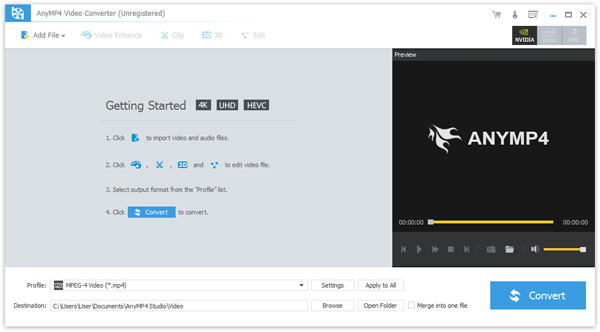
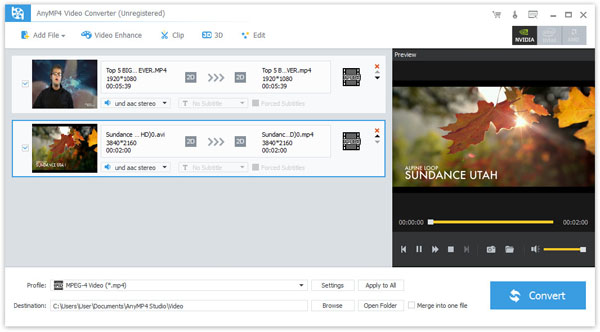
Click the "Add File" button on the toolbar or select "File > Add File(s)" to add your original MKV video to the software. If you need to remove added video files from the "File Name" list, you can select them then push the "Delete" button on your keyboard.
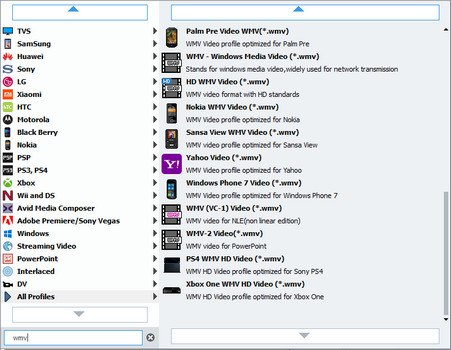
Click the "Profile" drop-down list and select WMV profile. Having problems finding your needed profile? Input it in the text area below then the software will find it for you.
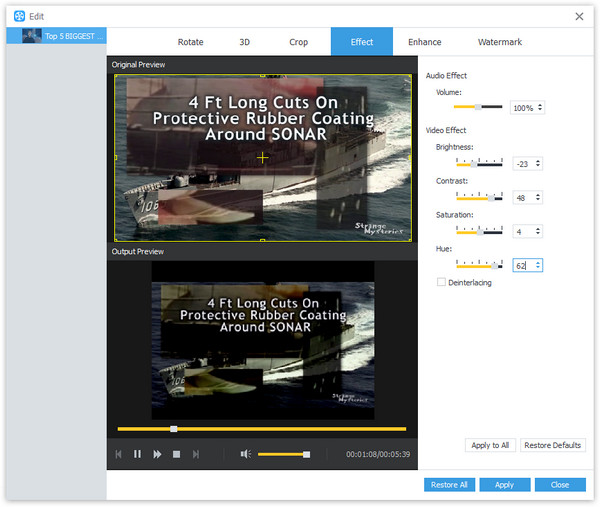
Dedicated for video fans around the world, AnyMP4 MKV WMV HD Converter is equipped with a collection of versatile editing tools that helps you trim video for your preferred length, crop video frame to get rid of unwanted black edges, merge video clips together and add text/image watermarks. If you need to enhance video effect, you can also adjust Video Brightness, Saturation, Hue and Contrast.
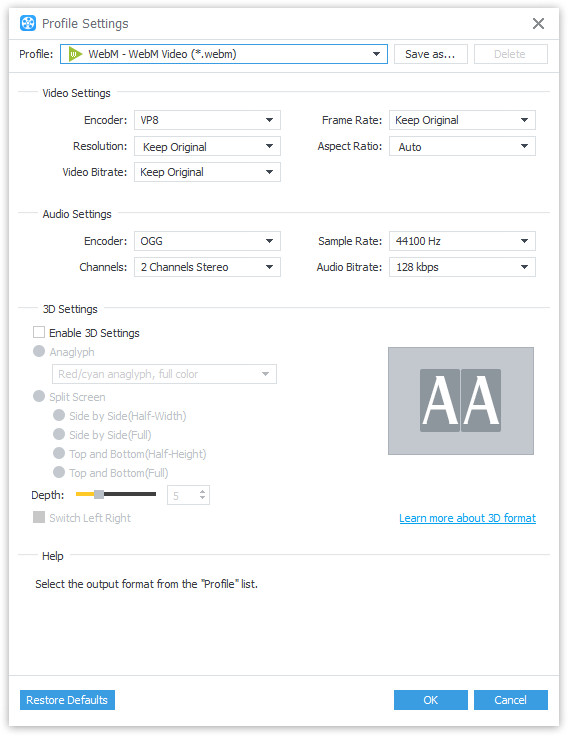
By clicking the "Settings" button, you can also adjust output parameters such as Video Encoder, Resolution, Bitrate, Frame Rate, Aspect Ratio as well as audio parameters such as Encoder, Channels, Sample Rate and Bitrate.
Some video files contain multiple audio tracks within them. You are allowed to choose your preferred audio track and add downloaded subtitle files to the video.
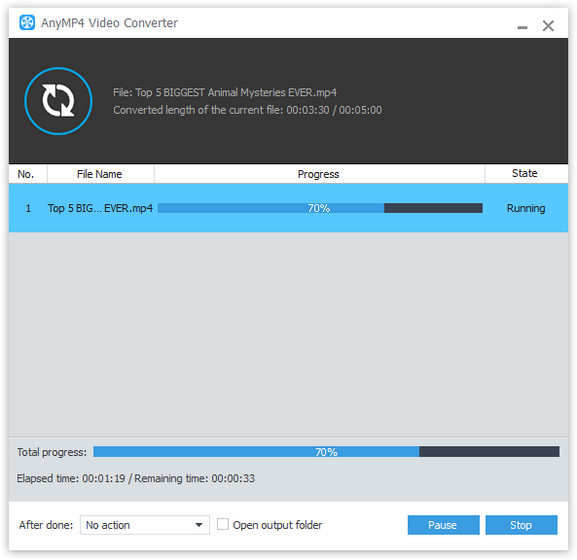
Click the "Convert" button to start the conversion process. The software is designed for fast conversion speed.
When the progress bar reaches 100%, you'll get your needed WMV video. WMV is supported by multiple devices such as Xbox 360, PS3, Mobile Phone and BlackBerry Phone.
 Updated by Joan Aimee to Convert Video
Related Articles
 Top 10 Free MP4 to AVI Converter Software
There are top 10 best converters can help you convert MP4 to AVI video with ease.
 Top 15 AVI to MP4 Free Converters You Really Want
This article introduces top 15 Free AVI to MP4 Converters for users to convert AVI.
 How to Turn MP4 into GIF With Top 5 Methods
Ever wonder how to turn your MP4 videos into GIF images? Don't worry. Read on and learn, this article will introduce 5 methods for you to achieve it.
 Top 5 Video Splitter Apps to Split Videos Easily
Top 5 Video Splitters to help you cut the videos into several and enjoy with ease.
 Add your comments to join the discussion here
