
 Store
Store- Multimedia
For Windows
- Converter Tools
- Video Converter Ultimate

- Video Converter
- 4K Converter
- MP4 Converter
- Audio Converter
For Mac
- BD/DVD
For Windows
- DVD Tools
- DVD Ripper
- DVD Copy
- DVD Creator
- DVD Converter
- DVD Toolkit
For Mac
- Mobile
For Windows
For Mac
- Utility
- Freeware
For Mac
For WindowsBest iPhone Ringtone Maker for Mac
AnyMP4 iPhone Ringtone Maker for Mac is the professional ringtone maker for iPhone. It makes M4R ringtones from MP4, MKV, RMVB, M4V, 3GP, MTS, TS, FLV, MOV, MP3, WMA, AAC, WAV, etc. It can be as the ringtone editor to clip and add fade-in/out effects for ringtones and manager to delete or rename your iPhone ringtones on Mac.


Make ringtones from video audio
This ringtone maker enables you to extract background music from MP4, MKV, M4V, 3GP, WMV, AVI, FLV, MOV, MTS/M2TS, RMVB. It also lets you convert the audio file from MP3, WMA, WAV, OGG, FLAC, AIFF, ALAC, etc. to M4R for ringtones. Moreover.

Edit iPhone ringtone effects
Before making a favorite ringtone for your iPhone, you can edit the ringtone first. This Mac iPhone Ringtone making software allows you to trim any segment from source file and convert it to M4R ringtone. For effects, you can set fade-in or fade-out effect to adjust the volume for your call ringtone or alarm tones.

Transfer and manage ringtones
This ringtone maker also can be as the transfer helper. After making the ringtones, you can import the ringtones to iPhone directly with the USB cable. Also, you are optional to export the iPhone ringtones to iTunes Library or Mac for playback. For the ringtones on iPhone, you can manage it easily on Mac by deleting or renaming them.

Create iPhone ringtones fast and easily
The Mac iPhone ringtone maker supports making ringtones in batch, which saves your time greatly to make piles of ringtones. The friendly interface enables you to create ringtones easily with clear guide.

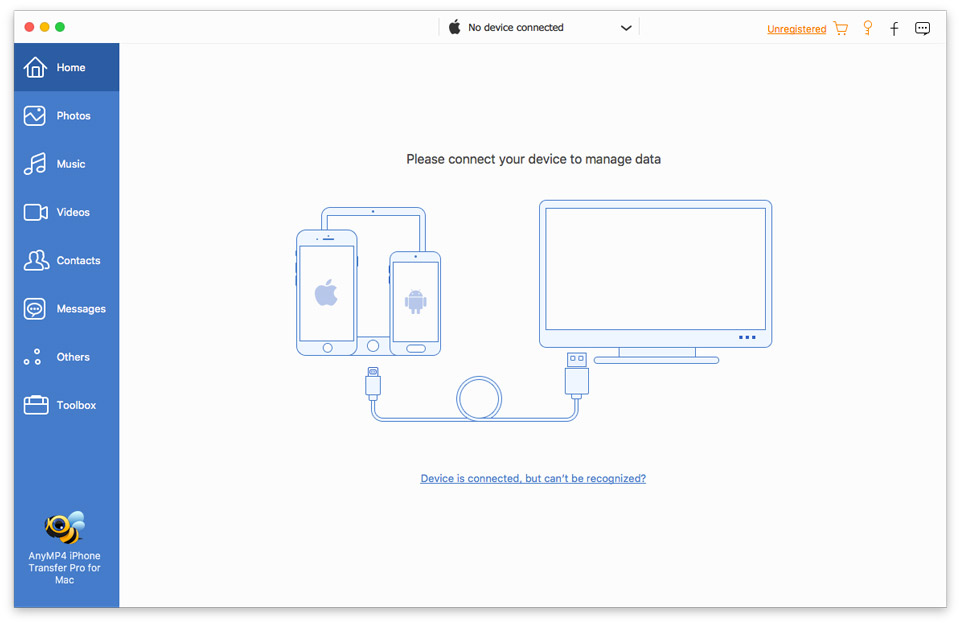
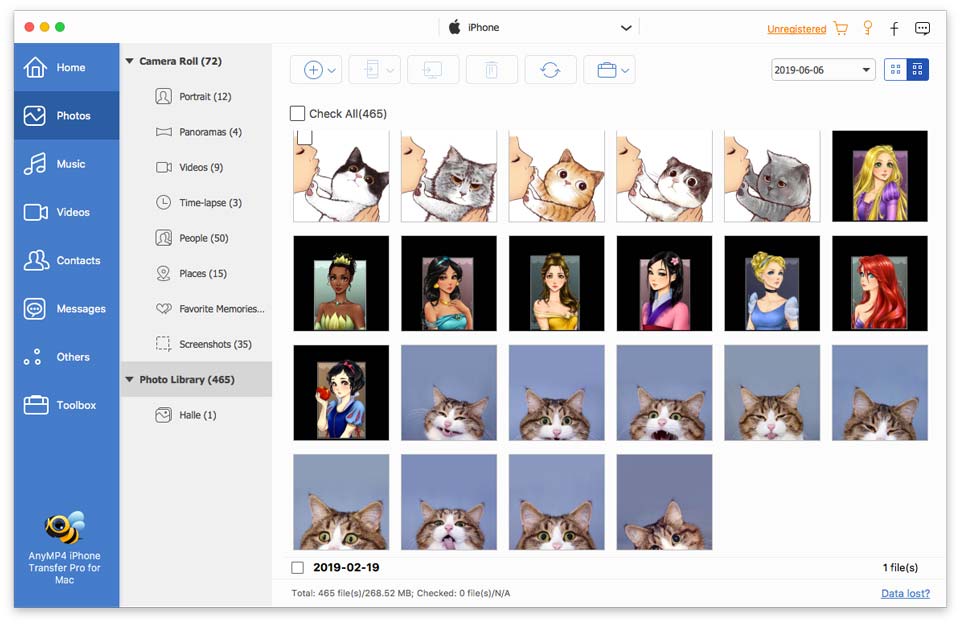
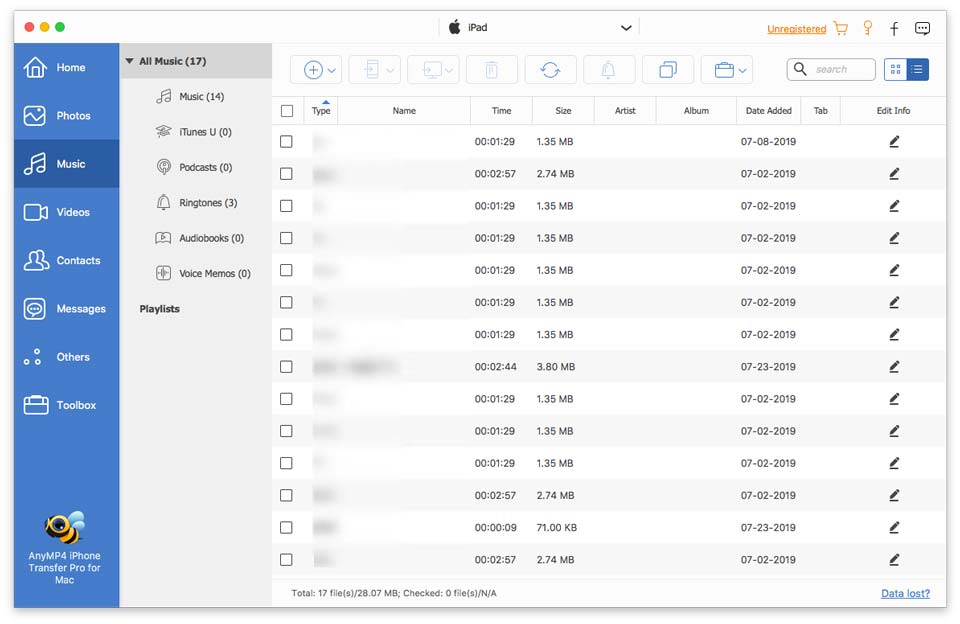

System Requirement: Mac OS X 10.7 or above (including macOS Sonoma)
CPU: Intel® processor and Apple M1&M2 chip, 2 GHz or faster
RAM: 2GB RAM, Super VGA (800×600) resolution, 16-bit graphics card or higher

Video (Input): TS, MTS, M2TS, VOB, MP4, M4V, RM, RMVB, WMV, MKV, AVI, 3GP, FLV, SWF, F4V, etc.
Audio (Input): MP3, AAC, AC3, WAV, WMA, M4A, RA, RAM, OGG, AU, AIF, AIFF, APE, FLAC, etc.
Output: M4R
Support Device: iPhone 15/15 Plus/15 Pro/15 Pro Max/iPhone 14/14 Plus/14 Pro/14 Pro Max/13/13 Pro/13 Pro Max/13 mini/12/12 Pro/12 Pro Max/12 mini/11/11 Pro/11 Pro Max/XS/XS Max/XR/X/8/8 Plus/7/7 Plus/6s/6s Plus/6/6 Plus/SE/5s/5c/5/4s/4
