
 Store
Store- Multimedia
For Windows
- Converter Tools
- Video Converter Ultimate

- Video Converter
- 4K Converter
- MP4 Converter
- Audio Converter
For Mac
- BD/DVD
For Windows
- DVD Tools
- DVD Ripper
- DVD Copy
- DVD Creator
- DVD Converter
- DVD Toolkit
For Mac
- Mobile
For Windows
For Mac
- Utility
- Freeware
AnyMP4 DVD Ripper for Mac
AnyMP4 DVD Ripper
 1396 Reviews
Rip DVD disc/folder/ISO file to popular video or audio formats like MP4, MOV, AVI, WMV, MP3, WAV, and more on Mac with zero limitation.
Note: Please DO NOT use our software to rip rental DVD or back up DVD for commercial use!

 Free Download
For Windows 11/10/8/7
 Buy Now
30-day Money Back
 Free Download
For macOS 10.12 or later
Buy Now
30-day Money Back

Convert DVD to MOV, MP4, AVI, FLV, MKV, WebM
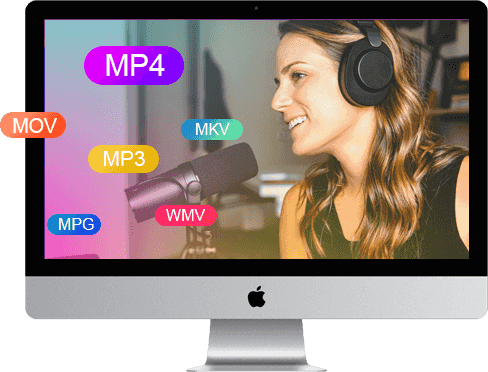
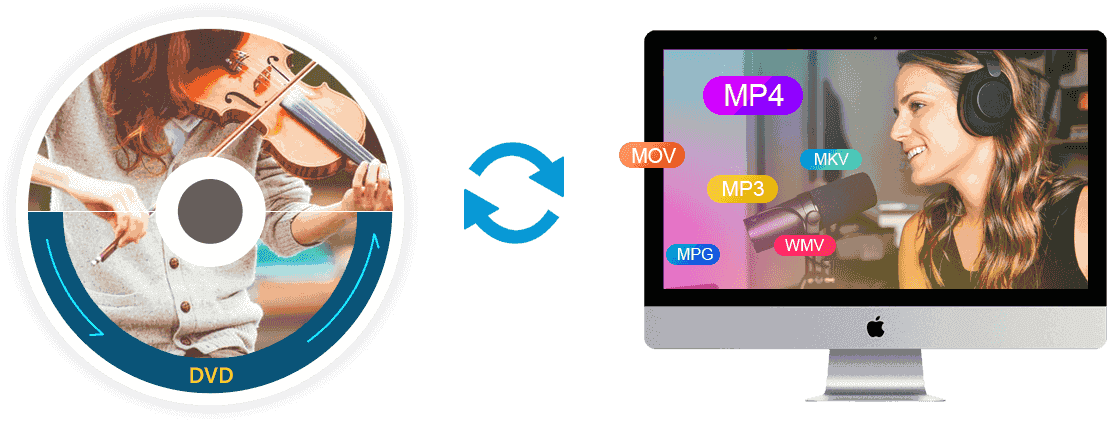
AnyMP4 DVD Ripper for Mac is capable of converting homemade DVD to popular SD or HD video formats, such as MOV, AVI, MPEG, MP4, WMV, FLV, MKV, 3GP, VOB, DivX, and ASF, etc. on Mac at super fast speed. With just a few clicks, you can convert the DVD to your favorite video, so you can play and enjoy your DVD at home with a variety of devices.



Convert DVD to Audio Formats Quickly & Easily
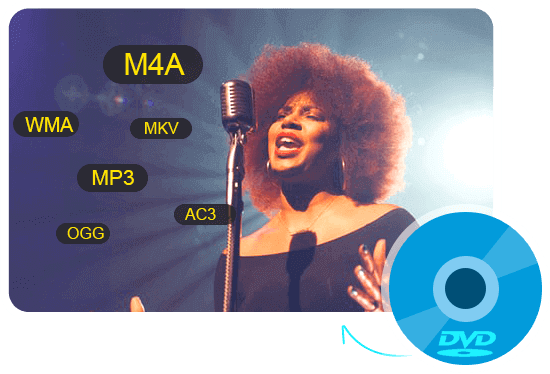
If you only want the audio of a DVD for your smartphone or at home with the computer, you can extract the audio track from DVD files. This DVD Ripper for Mac software can help you. It can rip DVD to popular audio formats including MP3, WAV, OGG, M4A, WMA, AC3, and more on Mac OS X and above with high ripping speed and quality. With this Mac DVD Ripper software, you can listen to the music in a simpler way.

DVD for Portable Devices and Video Editing Software
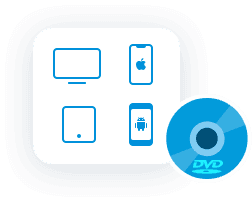
With this DVD Ripper software for Mac, you can import and edit your DVD movies in video editing software, such as iMovie, iDVD and Final Cut Pro and so on. Then you are able to convert your DIY DVD movies to iPad (iPad Air, iPad mini, New iPad Pro), iPhone (iPhone 15/15 Plus/15 Pro/15 Pro Max/iPhone 14/14 Plus/14 Pro/14 Pro Max/13/13 Pro/13 Pro Max/13 mini/12/12 Pro/12 Pro Max/12 mini/11/11 Pro/11 Pro Max/XS/XS Max/XR/X/8), iPod, Apple TV, Galaxy Tab, Surface, Google Nexus, HTC, Nokia Lumia Series, Motorola Xoom and other Android / Windows phones and so on.





Edit DVD and Adjust the Video Effect on Mac
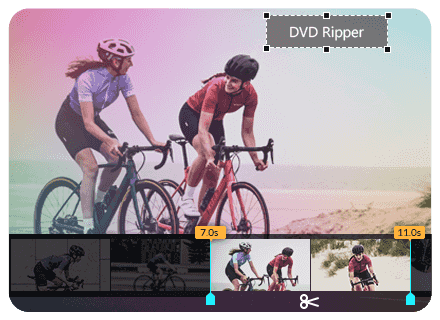
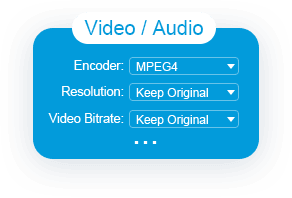
AnyMP4 DVD Ripper for Mac lets you cut video length, merge multiple video clips, crop video image to remove black edges and unwanted parts. By the way, you can add text or image watermark to the DVD and rotate its position, transparency, and size. This Mac DVD Converter also provides you with extended setup functions. You can adjust video brightness, contrast, saturation and hue, adjust video parameters such as video bit rate, resolution, encoder, picture frequency, aspect ratio, and audio parameters like audio encoder, bit rate, sampling rate and channels.

More Reasons to Choose DVD Rippre for Mac
-

Preview Output Video
With the built-in player, you can preview and compare the source and output video at ease.
-

Take Snapshot
You can also capture desired scenes of the DVD movie and save it as BMP, JPG or GIF format.
-

Update Automatically
As long as this program is connected to the Internet, it will automatically detect whether there is an available new update.
-

Easy to Use
The ripper has a user-friendly interface, which makes it easier for users to rip DVD in video or audio files.
-

Fast Conversion Speed
With the advanced accelerate technology, you can quickly rip DVD to video and audio files.
-

Safe and Stable
The conversion is safe and stable. There will be no data loss during the whole conversion process.
Simple to Use AnyMP4 DVD Ripper for Mac
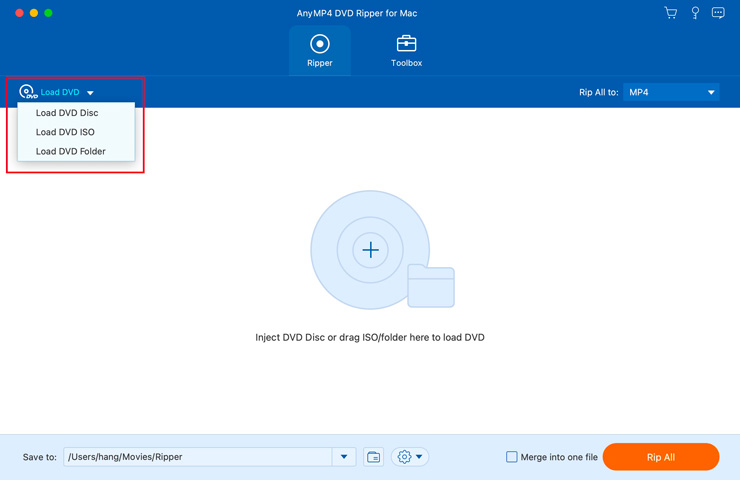
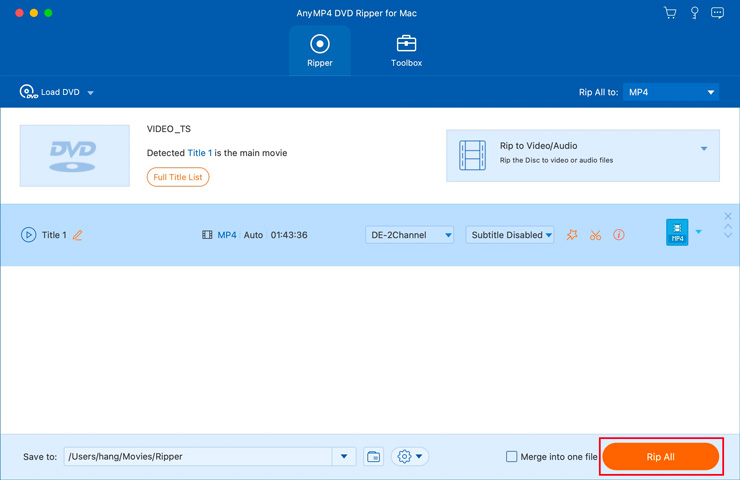
Step1. Run AnyMP4 DVD Ripper for Mac after installing. Insert the DVD disc into the DVD drive. Load the disc with this program.
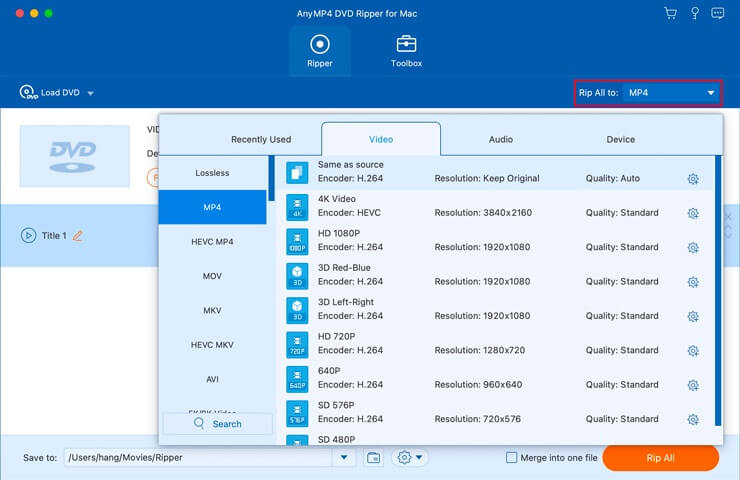
Step2. Then check the Full Title List and select the titles you want to rip. Select an output format. You can also choose to rip the disc to an ISO file, a folder, or a digital video.
Step3. Pick a folder to save the output file. Then click on the Rip All button to start ripping.


What Our Users Say
-
 Phoebe
Amazing! Besides the DVD ripper, AnyMP4 offers multiple practical tools to help me compress and enhance the output video. I can even make 3D movies and GIF images without any hassle.
-
 Daisy
Daisy
I just ripped all my DVD collections with this ripping software. Now I can enjoy playing those movies on my Mac without a physical DVD player.
-
 Samuel
I wanted to watch Iron Man on my iPhone. But my iPhone cannot play the DVD disc directly. Thanks to this ripper, I can convert the movie to a supported format like MOV and MP4.

Special Offer
-
 1 Month License
$31.20$15.60
Use it for 1 month and renew if satisfied.
-
Lifetime License
$68.70$54.96
Use this product on 1 PCMac forever and enjoy free lifetime update.
HOT -
Business License
$239.88$79.96
Use this product on 3 PCsMacs forever and enjoy free lifetime update.
Related Hot Articles
- Convert DVD to Digital Formats – How to Convert DVD to MP3/MP4/MOV/AVI How to Rip a DVD – 4 Best Solutions to Rip DVD to Computer How to Rip DVD with VLC Media Player and Best Alternative Solutions
- Copy DVD to Computer – How to Copy a DVD Movie to Your Computer Concrete Tutorial of Ripping Audio CD to iTunes How to Do Split Screen/Make a Video Collage
You May Like These Products
-
 Mac Video Converter Ultimate
Rip DVD and convert 8K, 5K, 4K, 1080p HD video to 500+ video/audio formats at 70x faster speed on Mac.
-
 Mac Blu-ray Player
Blu-ray Player can play Blu-ray or DVD disc/folder/iso image file, and HD/SD video files with original sound and image quality.
-
 DVD Creator for Mac
Create DVD disc/folder/ISO image file with MKV, M2TS, MTS, TS, MP4, MXF, AVI, WMV, FLV, M4V, MOV, M4V and more on Mac.
