
AnyMP4 iPad Video Converter for Mac
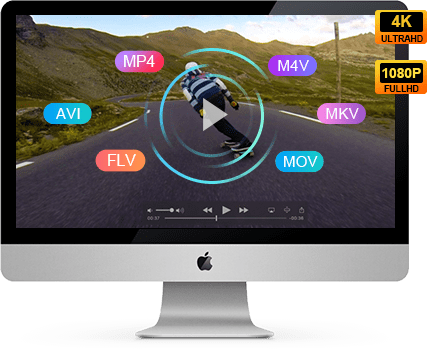
As one of the best and most popular iPad video conversion software for Mac users, AnyMP4 iPad Video Converter for Mac will bring you a lot of surprise and great pleasure. With this outstanding software, you can rapidly convert all popular video and audio formats to iPad MP4, M4V, MOV, AAC, MP3, WAV and more in an easy way.
Dedicated for iPad and Mac users, AnyMP4 iPad Video Converter for Mac possesses much more striking features such as editing functions and user-oriented profile settings, you can recreate your personalized video and audio at will and then enjoy it on your precious iPad and other Apple devices.
Key Features of iPad Video Converter for Mac
Convert Video/Audio to iPad on Mac
- Convert any video and audio file on Mac
AnyMP4 iPad Video Converter for Mac is designed with an advanced inner core that can convert most popular video and audio formats such as AVI, FLV, M2TS, WMV, MPEG, MKV, TS, VOB, MP3, AAC, WMA, etc., and even HD video formats without limitation.
- Extract audio track from video file on Mac
Want to enjoy music from video? This iPad Video Converter for Mac also supports extracting much-loved audios from any video file.
- Support all iPad compatible output formats
After adding videos to the program, you can select any video format like H.264, MPEG-4, MP4, M4V, MOV and any audio format including AAC, M4A, MP3, WAV as the output format, and then you can enjoy the favorite video and audio on your precious iPad at will.
Video effect customization
- Trim video length
AnyMP4 iPad Video Converter for Mac enables you to trim video for your preferred length by setting the exact start and end time or by simply dragging the slider bar.
- Crop video frame
Want to get rid of the annoying black edges of video? You can utilize this function to remove black edges and even unwanted parts of one frame.
- Merge video clips together
If your video is divided into several parts, you are allowed to join these video clips into one single video file.
- Watermark video
You can also add text/image watermarks to the video to personalize it.
- Advanced customization
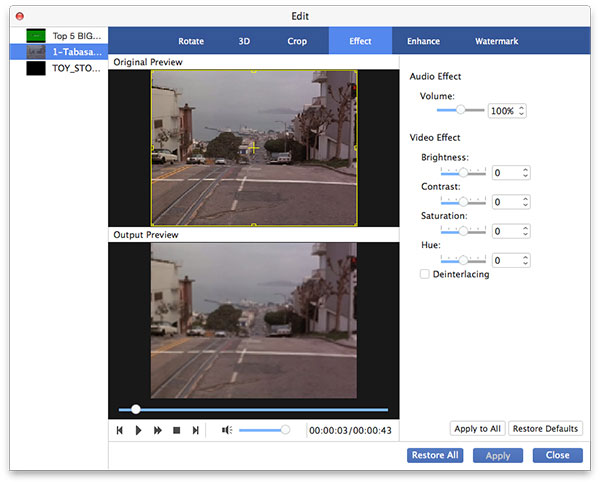
You can even adjust Video Brightness, Contrast, Hue and Saturation to optimize video effect. If you find the video volume too low to hear, you can also turn it up.
Edit output parameters
- Choose audio track and subtitle
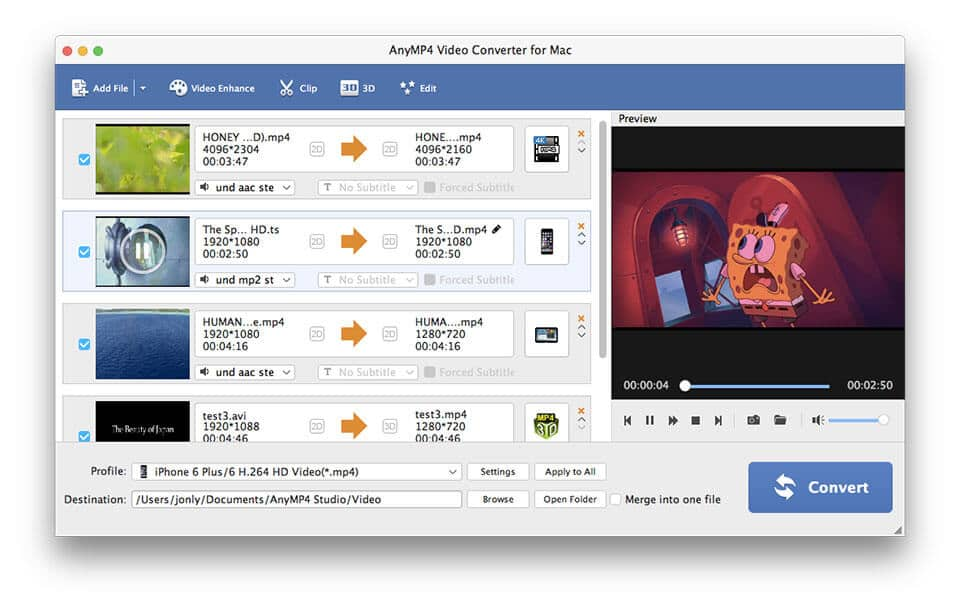
Not satisfied with the original audio track and subtitle? You are allowed to choose other available audio tracks from the video file or add downloaded subtitle file to the video according to your needs.
- Set output profile
AnyMP4 iPad Video Converter for Mac also enables you to adjust output parameters such as Video Encoder, Bitrate, Resolution, Frame Rate, Aspect Ratio as well as audio parameters such as Audio Encoder, Bitrate, Channels and Sample Rate.
Humanized user experience
- Preview and snapshot
You can preview the original and edited video with the built-in player. During this process, you can capture your preferred scene and save it as an image file.
- Stunning conversion speed
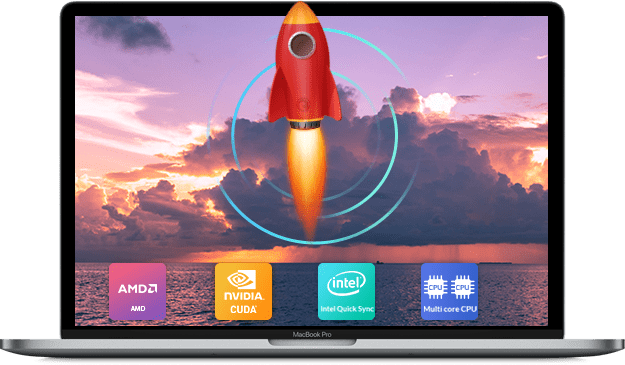
Designed for fast conversion speed, high video quality and universal application, AnyMP4 iPad Video Converter for Mac can finish any conversion task within a short time.
- Intuitive interface
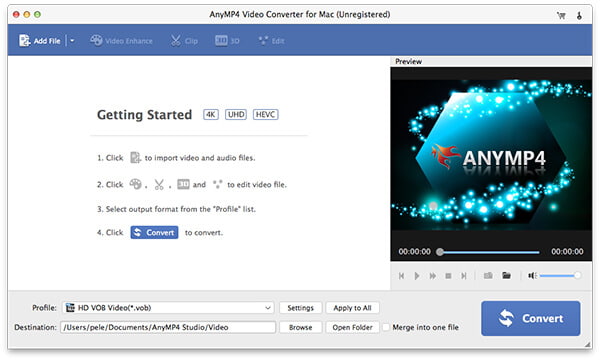
Since this software is built with an intuitive and user-friendly interface, even people with poor computer skills can use this software without making mistakes.
- Automatic upgrade
You can choose to order one-year or life-time free upgrade according to your needs. The software will automatically detect if there are new upgrades available once connected to the Internet.
Reference of iPad Video Converter for Mac
- AnyMP4 iPad Video Converter for Mac Supports Input Formats:
Video: MPG, MPEG, MPEG 2, VOB, DAT, MP4, M4V, TS, MTS, RM, RMVB, WMV, ASF, MKV, AVI, 3GP, 3G2, F4V, FLV, SWF, MPV, MOD, TOD, QT, MOV, DV, DIF, MJPG, MJPEG, TP, TRP, WebM
Audio: MP3, MP2, AAC, AC3, WAV, WMA, M4A, RA, RAM, OGG, AU, AIF, AIFF, APE, FLAC, CUE
HD Video: HD MTS, HD TS, HD M2TS, HD MPG, HD MPEG, HD MP4, HD WMV, QuickTime HD MOV - AnyMP4 iPad Video Converter for Mac Supports Output Formats:
Video: H.264/MPEG-4 AVC, H.264, MPEG-4, MP4, M4V, MOV, WebM
Audio: AAC, AIFF, M4A, MP3, WAV
HD Video: HD MP4, HD WebM - AnyMP4 iPad Video Converter for Mac Supports Devices:
iPad, iPad 2, Apple TV
iPod touch, iPod touch 2, iPod nano, iPod nano 4, iPod classic
iPhone, iPhone 3G, iPhone 3GS, iPhone 4, iPhone 4S
System Requirement of iPad Video Converter for Mac
- OS Supported: Mac OS X 10.4 or above
- Processor: Intel ® processor
- Hardware Requirements: 512MB RAM, Super VGA (800×600) resolution, 16-bit graphics card or higher