AnyMP4 iPod Converter

AnyMP4 iPod Converter is the most advanced and professional iPod Converter, which is definitely the best choice for iPod zealots. It possesses amazing video capabilities and can rip DVD and all popular video files to iPod compatible video formats with fast speed.

This all-in-one iPod Converter also possesses compelling video effect customization capability, and has a collection of powerful editing tools at your disposal. You can utilize these tools to trim video for your needed length, crop video frame to get rid of video black edges, add water to personalize the video, and adjust output parameters for better quality.

iPod Converter

screenshot

Price: $35.00

Get Mac version
iPod Converter for Mac

Key Features of iPod Converter

Convert movies

Convert DVD and popular video

  • Rip DVD disc

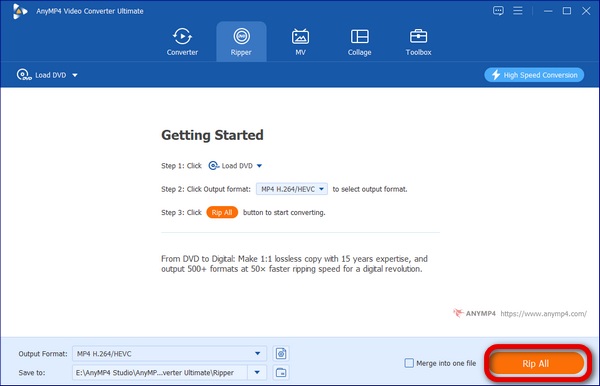
    This almighty iPod Converter is also capable of ripping DVD disc to iPod compatible video format.

  • Convert any video format

    This software also possesses the function to convert any popular video format to iPod compatible video format.

Customize output video effect

Customize output video effect

  • Trim video length

    You can cut a part out of the video by using the "Trim" function. You can either drag the two slider blocks, or input the exact start and end time in a more precise way.

  • Crop video frame

    With the "Crop" function, you can define which part of the frame you need, and you can remove the annoying video black edges.

  • Watermark video

    AnyMP4 iPod Converter allows you to personalize the video with your customized text or picture watermark.

  • Join video clips into one

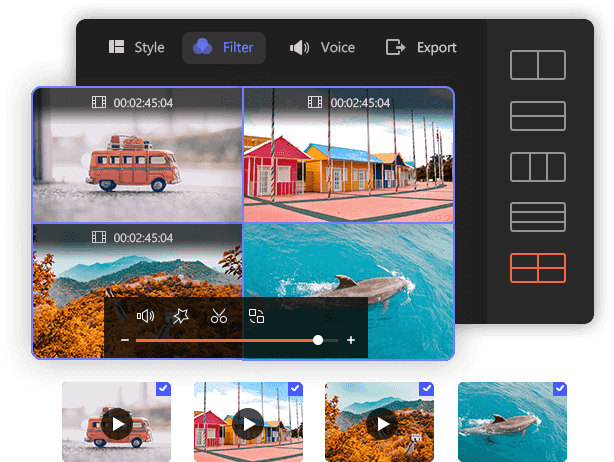
    This iPod Converter enables you to join several video clips into one file.

  • Modify video effect

    Check out the amazing video customization function! You can adjust Video Brightness, Saturation, Contrast, Hue and Volume to get better quality.

Choose audio track, subtitle and profile

Audio track, subtitle and output settings customization

  • Choose audio track and subtitle

    Many video files contain more than one audio track. AnyMP4 iPod Converter allows you to choose your preferred audio track and add subtitle to the video for better enjoyment.

  • Customize output parameters

    If you need to further optimize the video effect, try adjusting output parameters. Video Encoder, Resolution, Bitrate, Frame Rate, Aspect Ratio and Audio Encoder, Bitrate, Channels and Sample Rate can all be adjusted.

More convenient features

More convenient features

  • Graphics card acceleration

    Check out the excellent graphics card acceleration function! AnyMP4 iPod Converter applies NVIDIA CUDA and AMD APP technologies and can accelerate the conversion several times faster if you have a CUDA-enabled or APP-enabled graphics card. Only accelerate the conversion from DVD/video to the video with H.264 codec.

  • Convenient operations

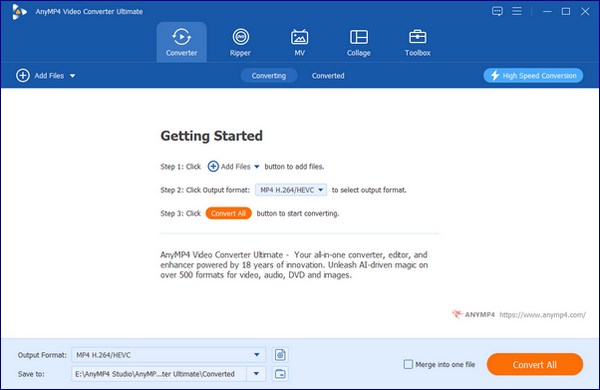
    Built with an intuitive and user-friendly interface, AnyMP4 iPod Converter is easy for anyone to use, even those who has poor computer skills.

  • Preview and snapshot

    AnyMP4 iPod Converter grants you Preview function that allows you to preview the customized video effect before the conversion. You can also snapshot your favorite scene and save it as an image anytime.

  • Two view options available

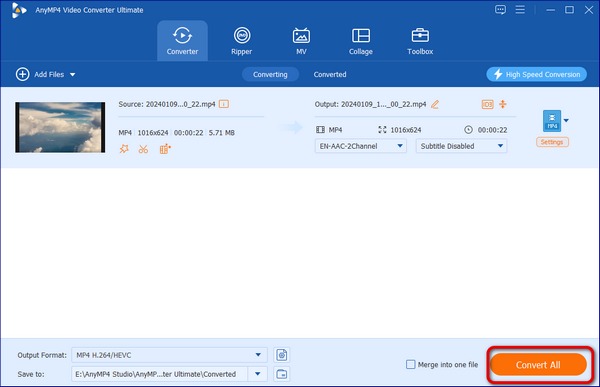
    AnyMP4 iPod Converter is designed with two view options. The "Report" view shows file name and video length in an intuitive way. The more advanced "List" view shows more information about the file such as video resolution before and after the conversion. It also shows the icon of your selected profile or device.

  • Automatic upgrade

    Order now and enjoy free upgrade! You can choose to order one-year or life-time free upgrade according to your needs. If your PC is connected to the Internet, the software will automatically detect if there are new upgrades when it is opened. New upgrades will bring you better stability and more featured functions.

Reference of iPod Converter

  • AnyMP4 iPod Converter Supports Input Formats:

    DVD: DVD Disc, DVD Folder, DVD IFO Files

    Video: MPG, MPEG-1, MPEG-2, MPEG-4, VOB, DAT, MP4, DivX, XviD, M4V, TS, MTS, M2TS, RM, RMVB, WMV, ASF, MKV, AVI, 3GP, 3G2, F4V, FLV, SWF, MPV, MOD, TOD, QT, MOV, DV, DIF, MJPG, MJPEG, TP, TRP, WebM

    Audio: MP3, MP2, AAC, AC3, WAV, WMA, M4A, RA, RAM, OGG, AU, AIF, AIFF, APE, FLAC, CUE

    HD Video: MTS, TS, M2TS, MPG, MPEG, MP4, WMV, QuickTime HD MOV

  • AnyMP4 iPod Converter Supports Output Formats:

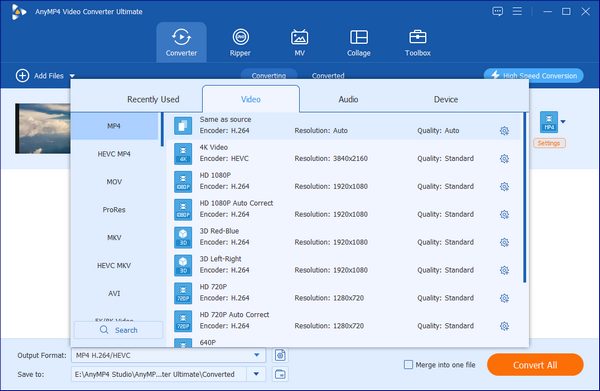
    Video: H.264/MPEG-4 AVC, H.264, MPEG-4, MP4, M4V, MOV, WebM
    Audio: AAC, AIFF, M4A, MP3, WAV
    HD Video: MP4, WebM

  • AnyMP4 iPod Converter Supports Devices:

    iPod, iPod touch, iPod touch 2, iPod nano, iPod nano 4, iPod classic
    iPad, iPad 2
    iPhone, iPhone 3G, iPhone 3GS, iPhone 4, Apple TV

System Requirement of iPod Converter

  • OS Supported: Windows XP (SP2 or later), Windows Vista, Windows 7
  • CPU: 800MHz Intel or AMD CPU, or above
  • RAM: 512MB RAM or more
iPad Converter

Recommended Products

Related Guides