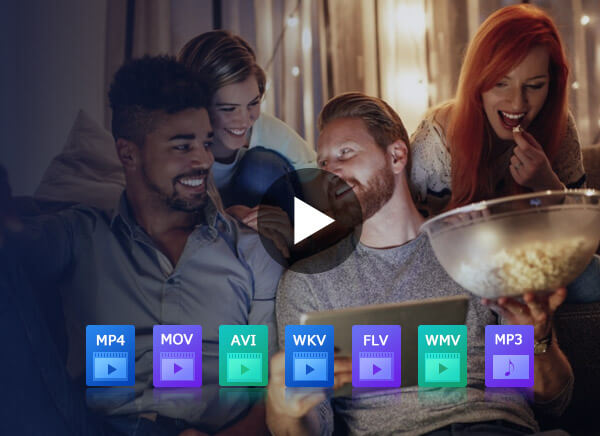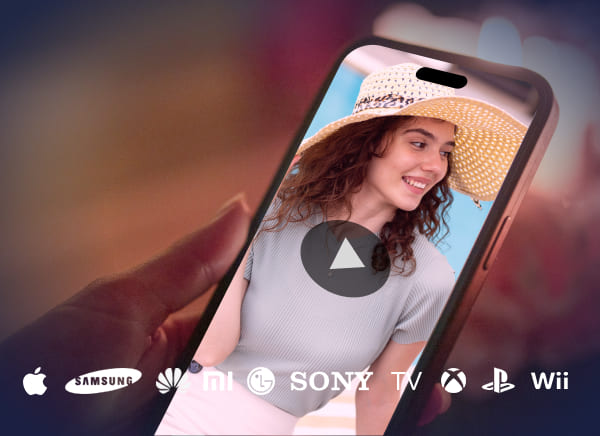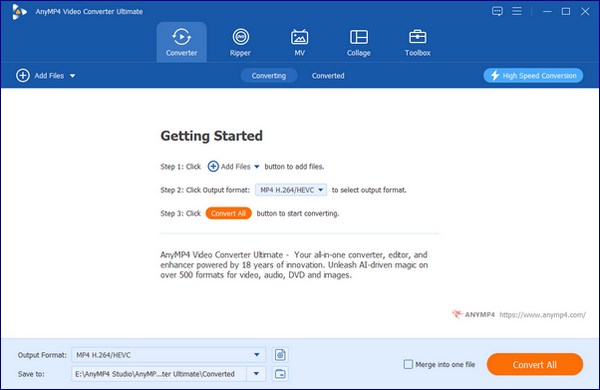
AnyMP4 iPhone Converter, the best and versatile iPhone Converter software, can convert DVD disc, and all popular video formats like 3GP, RMVB, MTS, MKV, MOD, FLV, and SWF, etc. to iPhone compatible video/audio formats with incredible speed and astonishing video quality.
AnyMP4 offer a 25% Coupon Code (ANYAPL) for all products. Quickly seize this great opportunity!
Overview
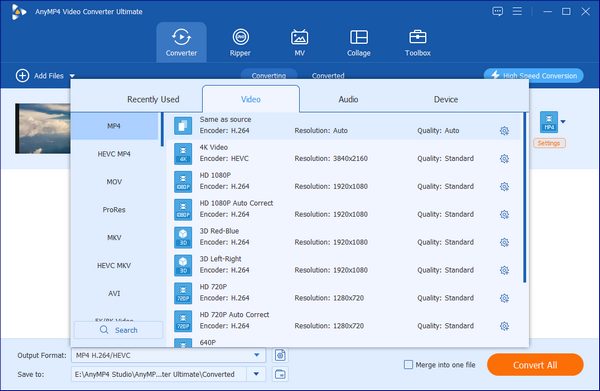
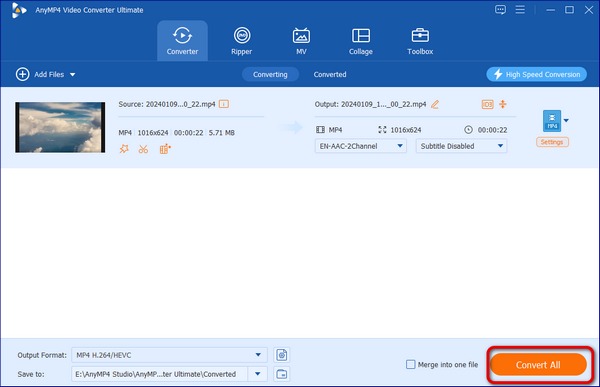
Would you want to carry your DVD movie and favorite video to your iPhone and then you can enjoy it at anytime and anywhere? Well, AnyMP4 iPhone Converter can help you make full use of the video capability of iPhone and turn it into a mobile video player. You can rip any DVD and convert various videos to iPhone MP4, MPEG-4, and H.264 video with super fast speed and perfect quality. You can also extract the audio files from DVD movie and video and then convert them to iPhone audio format like AAC, MP3, and more.
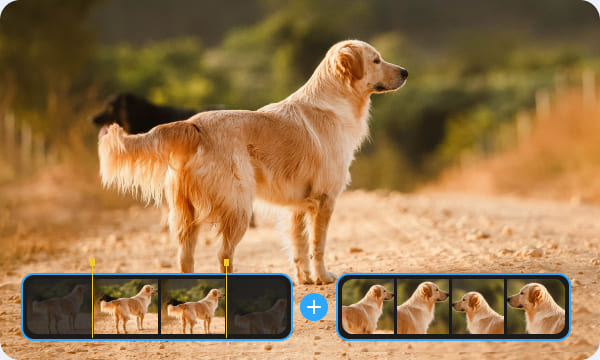
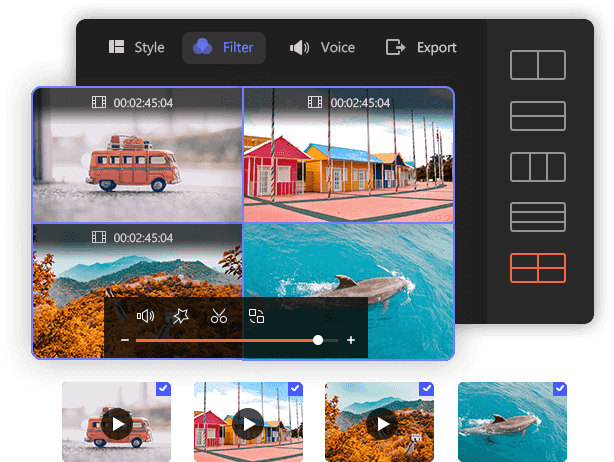
You are free to utilize the versatile editing tools provided by AnyMP4 iPhone Converter to customize video effect. You can trim video length, crop video frame, join video clips into one and add watermark to personalize the video, which will bring you compelling video quality.
Key Features

AnyMP4 iPhone Converter is virtually a DVD to iPhone Converter, which has the ability to convert any DVD to iPhone MP4, MPEG-4, MOV, M4V, H.264 video with unparalleled speed and perfect converting quality.
With this iPhone Video Converter, you can add the PC local videos like RMVB, MTS, MKV, TS, and AVI videos to it and then convert them to MP4, MOV, and M4V for playback on your iPhone.
You can convert DVD and Video to iPhone audio format such as AAC, AIFF, ALAC, MP3, M4A, and WAV. And we can extract the favorite audio file from DVD and video with zero audio loss.
If you are keened on part of your DVD or video, Anymp4 iPhone Converter can trim this part by setting the position of start and end. You can also set its aspect ratio or zoom mode by using "Crop" button.
After you edit your files, you can set its brightness, contrast, saturation, hue and volume to meet your needs. Certainly, you can add text or image to the video.

Anymp4 iPhone converter provides you a convenient interface to use, because it can show the effect of your edited file, so you can know if it is what you need in time. And you can save your favorite picture when you preview it.

After you edit your DVD or video files, you can set its Video Bitrate, Encoder, Frame Rate, Resolution and Aspect Ratio as well as Audio Bitrate, Encoder, Channels and Sample Rate.
Other Languages
AnyMP4 iPhone Transfer has versatile transferring function to transfer files between iPhone and PC, and iPhone/iPad/iPod devices.
AnyMP4 iPhone Video Converter can help iPhone users convert any popular video files to iPhone M4V, MP4, MOV directly.
AnyMP4 iPhone to PC Transfer has professional transferring function to transfer all iPhone files to computer for backup.