- Top 1: AnyMP4 Blu-ray Player
- Top 2: VLC Media Player
- Top 3: 5KPlayer
- Top 4: MPC-HC
- Top 5: Kodi
- Top 6: SMPlayer
- Top 7: KMPlayer
- Top 8: MPV Player
- How to Play ISO Files Directly on Windows/Mac Without Mounting
- FAQs of ISO Player
Show More

Free Download100% Clear & Secure
Free Download100% Clear & Secure
What is the best ISO player?
The best ISO player for Windows and Mac is AnyMP4 Blu-ray Player due to its ability to play Blu-ray/DVD ISO files with full menu navigation and 4K lossless quality. Other popular free options include VLC Media Player and 5KPlayer.
ISO image file, also called ISO image, is a single file that makes a perfect copy of an entire CD, DVD or BD disc. The only downside of ISO image file is that you cannot open or read it directly since most media players are not compatible with ISO files. Therefore, you need an ISO player software for your PC or Mac computer. Just read our post and reviews in this post to discover the best way to play your DVD image files. This tutorial focuses on how to convert MP4 to MP3 or WMA with Windows Media Player. Then you can enjoy your favorite music at any devices.

| Platform Support | ISO/Blu-ray Menu | 4K/8K & Codecs | Tech Highlights | Price | |
|---|---|---|---|---|---|
| AnyMP4 Blu-ray Player | Windows 11 & Mac (M1/M2/M3 Native) | Full Support (1:1) | VVC, H.265, Lossless 4K | AI Enhancement, GPU Accel, Low CPU | Paid / Free Trial |
| VLC Media Player | Win, Mac (M1-M3), Linux, Mobile | Partial / Limited | H.265, 4K | Open Source, Basic GPU Accel | Free |
| 5KPlayer | Windows & Mac (M1-M3) | No Menu Support | 4K/5K, H.265 | AirPlay & DLNA Streaming | Free |
| MPC-HC | Windows Only (11/10) | No Menu Support | 4K, H.264/H.265 | Ultra-lightweight, Classic UI | Free |
| Kodi | Win, Mac (M1-M3), Linux, Android | Basic / Standard | 4K, H.265 | Media Library Management | Free |
| SMPlayer | Win, Mac, Linux | No Menu Support | 4K, All Codecs | Remembers Playback Settings | Free |
| KMPlayer | Win, Mac, Mobile | No Menu Support | 4K/8K, H.265 | Multi-codec Internal Support | Free |
| MPV Player | Win, Mac (M1-M3), Linux | No Menu (CLI based) | 4K/8K, VVC | High-performance GPU Decoding | Free |
Overall Rating: 5.0/5 (Based on 1254 global user reviews)
Supported OS: Windows 11/10/8/7, Mac (Native support for M1/M2/M3 Apple Silicon), macOS 10.9 or later.
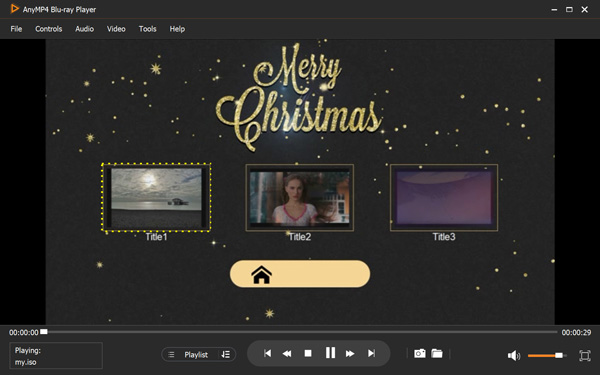
AnyMP4 Blu-ray Player stands out as the most professional and future-proof ISO player in 2026. Unlike basic players that only stream the video, it provides Full Menu Navigation, allowing you to access chapters, extras, and settings just like a physical disc. It is deeply optimized for Apple Silicon (M1/M2/M3 chips) and Windows 11, ensuring ultra-low CPU usage and zero lag even when playing massive 4K UHD ISO files. It utilizes Hardware Acceleration (NVIDIA, AMD, and Intel QSV) and AI-driven video enhancement to deliver crystal-clear images. Besides, this ISO player supports the latest VVC, H.265/HEVC, and 4K UHD codecs. For audiophiles, it handles Dolby TrueHD and DTS-HD Master Audio for a lossless cinema experience.
The AnyMP4 Edge: It solves the common "VLC menu error" by providing 100% compatibility with encrypted Blu-ray and DVD ISO images.
Key features:
Secure Download
Secure Download
PROS
CONS
Supported OS: Windows, macOS (Intel & M1/M2/M3), Linux, Android, and iOS.
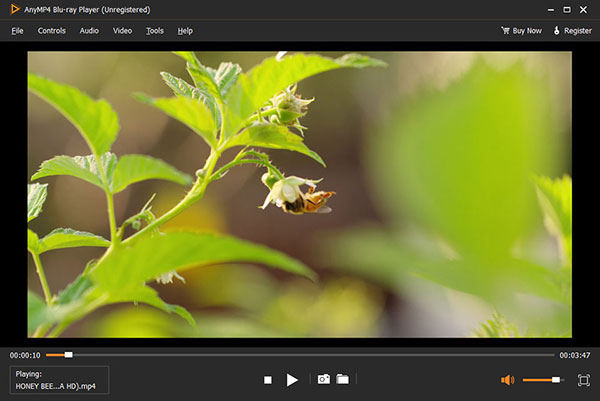
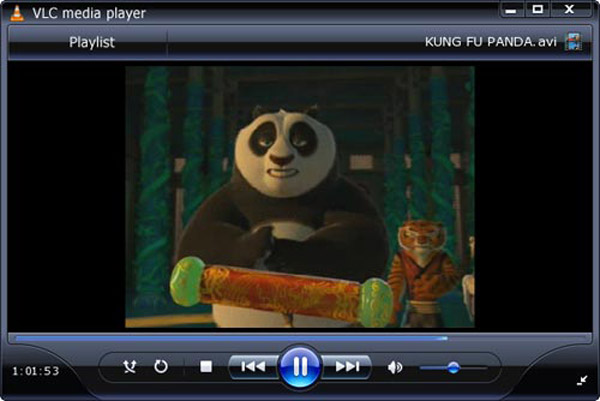
VLC Media Player is the world’s most famous free and open-source ISO player. While it is highly versatile and supports almost any file format, it has significant drawbacks for ISO power users. Many users report that VLC fails to load Blu-ray menus or crashes when handling high-bitrate 4K ISO files. Without dedicated hardware optimization, it may struggle with stuttering during playback of uncompressed disc images.
Limitations: It lacks full Blu-ray menu navigation; interface feels outdated in 2025/2026; no specialized tech support for encrypted discs.
Key features:
PROS
CONS
Supported OS: Windows 11/10, macOS (Compatible with M1/M2/M3 chips).
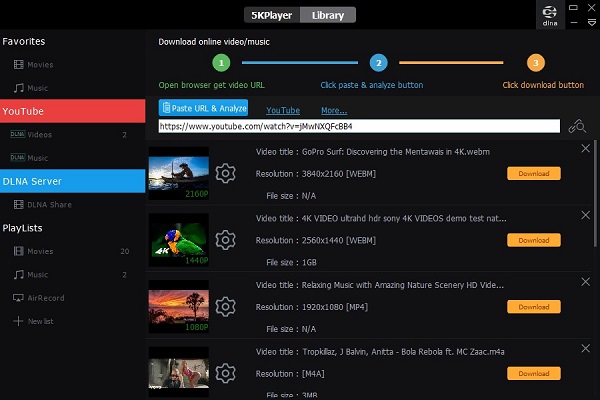
5KPlayer is a robust multimedia player known for its ability to handle high-resolution video. It is a solid choice for Mac users due to its Apple Silicon optimization, which helps in maintaining smooth 4K/5K playback. However, it focuses more on streaming and AirPlay rather than specialized ISO disc features, so don't expect a full-featured Blu-ray menu experience. It is excellent for wireless streaming via AirPlay and DLNA.
Note: The interface can be cluttered with notifications, and it consumes more system resources compared to AnyMP4.
Key features:
PROS
CONS
Supported OS: Windows 11/10/8.1/7 (Windows Only).
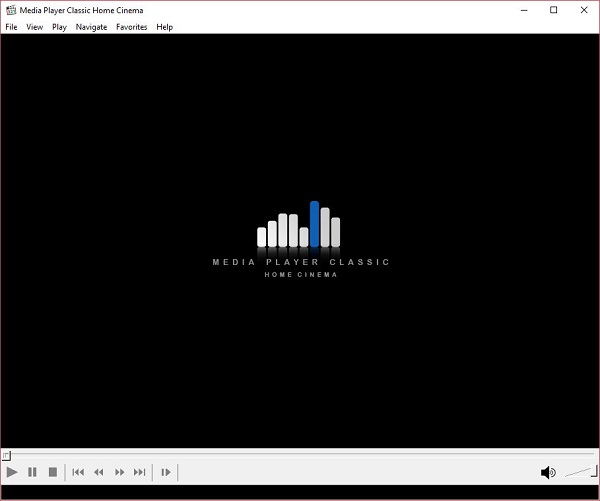
MPC-HC Media Player Classic is the "old guard" of Windows playback. It is incredibly lightweight and features Hardware Acceleration that allows even older PCs to play ISO files with low CPU consumption. While it is a "clean" software without ads, its development has slowed down, meaning it lacks support for the newest 2025/2026 video standards like VVC or advanced AI upscaling.
Limitation: It cannot play protected or encrypted ISO movies and does not offer a Mac version.
Key features:
PROS
CONS
Supported OS: Windows, macOS (M1/M2/M3 native), Linux, Android, iOS.
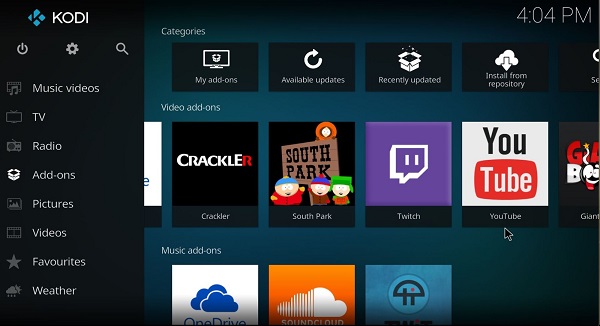
Kodi is more than a player; it’s a full-scale media center. It is great for users who manage a huge library of ISO files across a network. It does support ISO playback and basic menu navigation, but the setup is complex. For Mac users, Kodi's latest builds are optimized for Apple Silicon, but the software remains heavy and might be overkill for someone just looking to play a single file.
Verdict: Best for Home Theater PCs (HTPC), but lacks the "plug-and-play" simplicity of a dedicated ISO player.
Key features:
PROS
CONS
Supported OS: Windows, Linux, and macOS.
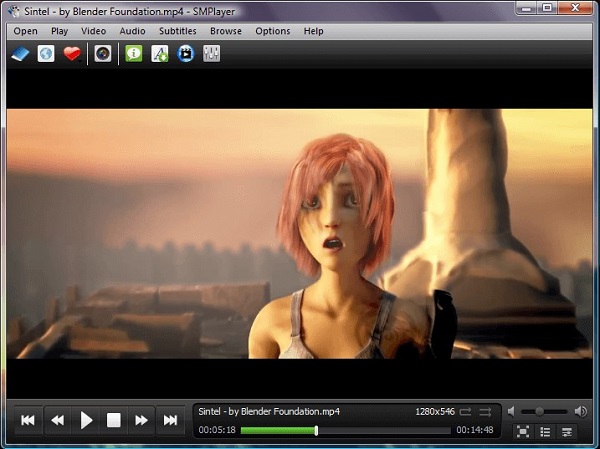
SMPlayer comes with built-in codecs and a unique feature: it remembers the settings of all files you play. If you close an ISO movie and open it later, it will resume at the same point with the same subtitles. While it supports Hardware Decoding, it doesn't quite match the professional "lossless" audio output found in premium tools.
Recent Update: Now includes better support for 4K playback, though it lacks specialized AI video enhancement tools.
Key features:
PROS
CONS
Supported OS: Windows, macOS, Android, and iOS.
KMPlayer is a versatile multi-platform player. It supports a wide range of codecs and offers a decent ISO playback experience. However, the software has been criticized for being "heavy" and occasionally including bundled software or ads during installation.
User Warning: While it handles 4K, users often experience high CPU usage when playing high-bitrate ISO files on older Mac or Windows systems.
Key features:

PROS
CONS
Supported OS: Windows 10/11, macOS (Native M1/M2/M3 support), Linux.
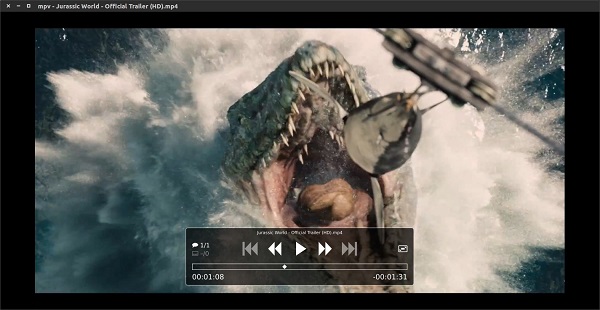
MPV Player is a favorite among minimalists and tech-savvy users. It is a command-line-based player (though it has a GUI) that offers powerful GPU Hardware Decoding. It is extremely fast on Mac M1/M2/M3 devices.
The Catch: It has no real "menu" interface. You have to use keyboard shortcuts to navigate, making it difficult for average users who want a traditional Blu-ray disc experience.
Key features:
PROS
CONS
While most media players require you to "mount" a virtual drive first, AnyMP4 Blu-ray Player allows you to open .iso files directly with just a few clicks. Here is how to enjoy your ISO movies with full menu support.
1. Launch the ISO Player
Download and install AnyMP4 Blu-ray Player on your PC or Mac. Launch the program to enter the main interface.
Secure Download
Secure Download
2. Load Your ISO Image File
Click the Open File button in the center. This is the crucial step of playing ISO without mounting.
Browse your local ISO folders, select the .iso file you want to watch, and click Open. The software will automatically analyze the structure of the ISO disc image.

3. Navigate the Menu and Start Playing
Instead of just playing the movie, AnyMP4 will load the full ISO navigation menu. You can use your mouse to select specific chapters, choose audio tracks/subtitles, or play the main movie directly.
Can Windows Media Player play ISO files?
No, Windows Media Player does not support ISO files natively. You need to either mount the ISO as a virtual drive or use a professional ISO player like AnyMP4.
How do I play an ISO file without mounting?
You can use a dedicated media player like AnyMP4 Blu-ray Player or VLC. Simply open the software and select "Open File" to load the ISO image directly.
Is it safe to open .iso files?
Yes, as long as the file is from a trusted source. ISO is just a container for disc data.
Why won't VLC play my Blu-ray ISO?
VLC often lacks the necessary AACS decoding libraries for protected Blu-rays. A professional player like AnyMP4 has built-in licenses to handle these files.
Does converting ISO to MP4 lose quality?
It depends on the settings. By using AnyMP4's Lossless conversion mode, you can maintain 100% of the original audio and video quality.
How long does it take to convert a 4GB ISO file?
With hardware acceleration, AnyMP4 can finish a 4GB conversion in under 5 minutes, while traditional tools might take 20-30 minutes.
An ISO image file utilizes special technology to compress all videos and media files on a DVD into one file. This article summarizes the 8 best ISO players for Windows and Mac and reviews them, respectively, with their introduction, main features, pros, and cons. With one of the players above, you can view ISO image files without mounting. If you find this article helpful, please leave a message in the comment section and share it with your friends!
Secure Download
Secure Download
 Updated by Riley Mitchell to Player
Related Articles
 5 Great MKV Player Apps for Android Devices
The article introduces 5 great MKV video player apps for Android devices. You should read our reviews and introductions and discover the most appropriate player for your device.
 [Updated] 10+ Best FLV Players for Windows/Mac/iPhone/Android
Cannot play FLV files on your computer or smart phone? Just come here and get your best FLV player for Windows/Mac/iOS/Android from the latest recommendations.
 5 Best MOV Player Apps for Android
The MOV format is a QuickTime media container format, and in this article, we'll talk about the best MOV players for Android that make watching MOV files fun.
 5 Best Audiobook Player Apps Available to Android and iOS
Here is a quick guide to rip and convert an UHD 4K Blu-ray disc to MP4 or other format to watch super high-quality movies on any device anytime and anywhere.
 Add your comments to join the discussion here