
Summary:
Convertio is an online file converter that supports 300+ formats, OCR, and online conversion without any setup. The free version comes with 10 conversion credits per day and a 1 GB file size limitation. Although appropriate for occasional use, power users, video editing, and privacy-conscious individuals will find an offline converter more useful.
Converting a file should not require installing another program, figuring out complicated settings, or spending money on software you will only use once. However, convenience comes with trade-offs: upload limits, daily conversion credits, waiting times, and file privacy. In this Convertio review, we will explore Convertio’s supported formats, free-plan restrictions, conversion performance, pricing, security policies, and features. We will also compare it with popular alternatives to determine when an online converter is sufficient and when desktop software makes more sense.
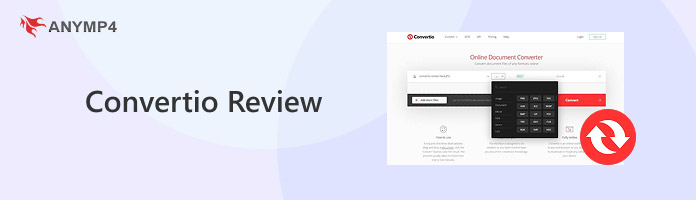
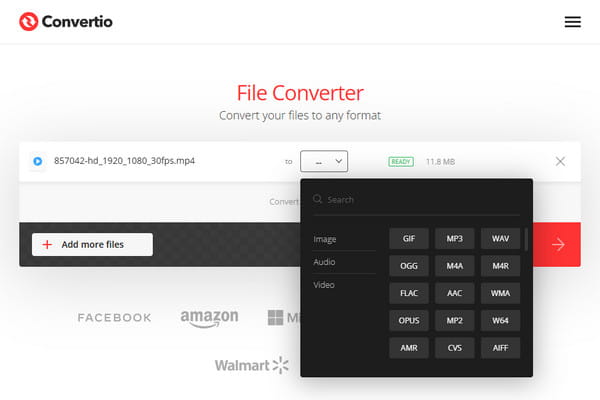
Convertio is a French-based cloud conversion tool founded in 2014. It supports over 300 formats and 25,600+ conversion combinations, covering media and file types. It also offers OCR for extracting text from scanned files and an API for developers. Its website reports more than 3.19 billion files converted, totaling 58,299 TB.
This tool can perform more than 25,600 conversions from over 300 different file formats. The Format picker supports documents, pictures, audio, video, e-books, archives, CADs, and fonts. In addition, this tool can perform OCR for scanned files and provides an API for developers.
Convertio free 100 MB limit claims should be checked against the current account limits. The tool increases the file size allowance to 1 GB and the number of conversion credits to 10 per 24 hours. In terms of conversion queue priority, free users are placed at the lowest priority tier.
| Plan | Lite | Basic | Pro | Custom |
|---|---|---|---|---|
| Price | $11.99 | $22.99 | $44.99 | Starts at $54 |
| Maximum file size | 1 GB | 3 GB | 10 GB | 20 GB |
| Conversion credit (monthly) | 1000 | 3000 | 10000 | Up to 1M |
| Concurrent conversion | 50 | 100 | Unlimited | Unlimited |
| Priority | High | Higher | Highest | Highest |
Is Convertio safe? Yes.
The tool uploads files to its servers for cloud processing. Its privacy policy states that input files are deleted immediately after conversion, while output files are deleted after 24 hours. SSL/HSTS and IP-bound downloads provide additional protection.
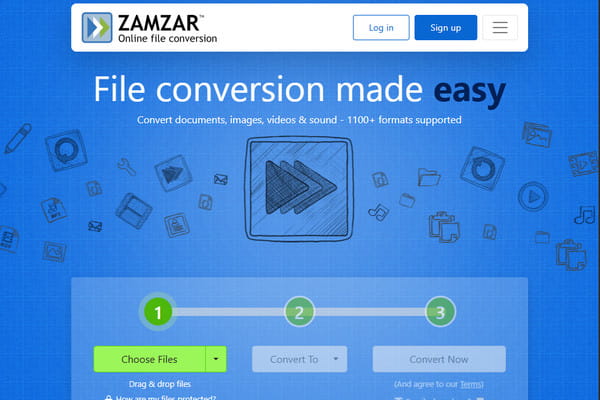
Zamzar, founded in 2006, supports over 1,100 file conversion types from different categories, including audio, images, documents, video, and archives. It also offers email-based conversion, sending the finished file as a download link. Its free web service allows files up to 50 MB and two conversions per 24 hours.
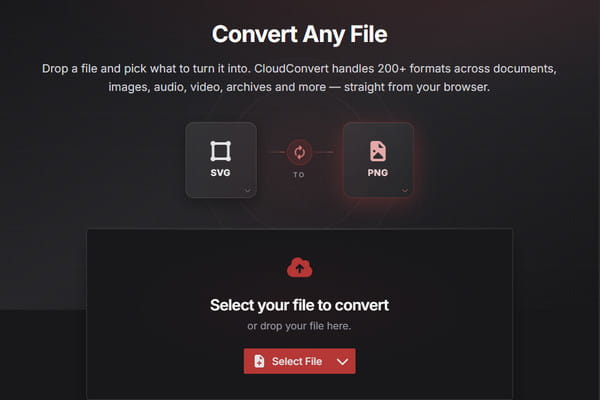
Convertio vs CloudConvert: CloudConvert, launched in 2012, supports 212 formats from 11 categories. These are archive, audio, CAD, document, ebook, font, image, presentation, spreadsheet, vector, and video. Its free plan provides 10 conversion credits per day and supports files up to 1 GB.
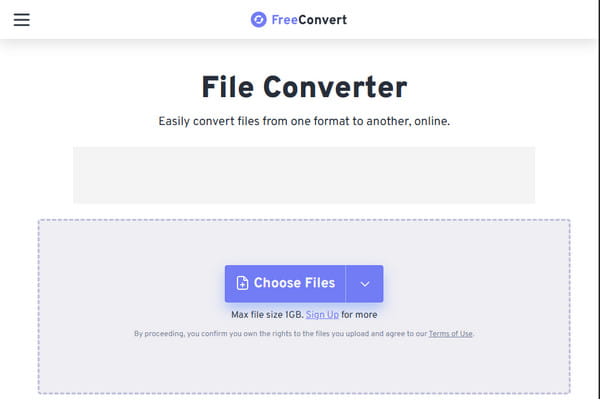
FreeConvert is another browser-based converter that supports more than 1,500 conversion types. Its free tier accepts files up to 1 GB and includes advanced settings for adjusting output quality and other conversion options.
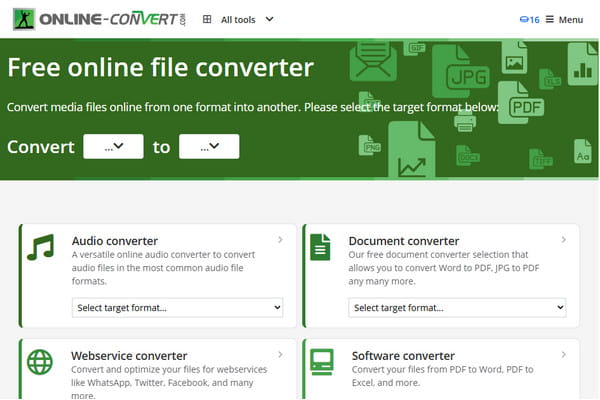
Online-Convert provides different tools for converting documents, images, audio, video, and other file types. The free service has a 75 MB upload limit, and free conversions go into a shared queue and may experience slower processing or delays.
| Convertio | Zamzar | CloudConvert | FreeConvert | Online-Convert | AnyMP4 Video Converter Ultimate | |
|---|---|---|---|---|---|---|
| Category | Online | Online | Online | Online | Online | Offline |
| Platform | Browser | Browser and email delivery | Browser and API | Browser and API | Browser and API | Windows and Mac |
| Format coverage | 300+ | 1100+ | 212 | 1500+ | 1200+ | 500+ |
| Free credits per day | 10 | 2 | 10 | 20 | 2 | Unlimited |
| Queue & speed | Priority by plan | Priority by plan | Priority by plan | Priority by plan | Priority by plan | Up to 120× faster with no queue |
| Max file size | 1 GB | 50 MB | 1 GB | 1 GB | 75 MB | No cap |
| Privacy model | Upload-based | Upload-based | Upload-based | Upload-based | Files never leave your PC | Upload-based |
| Batch/concurrency | 2 | 2 | 5 | 5 | 2 | Unlimited batch |
| DVD/disc features | ||||||
| Extras | OCR and cloud import | Compression and API | API and conversion chains | Compression and advanced settings | Multiple conversion tools | MV maker, collage maker, GIF maker, and 20+ other editing tools |
How to use Convertio? The tool makes file conversion easy because everything happens in a browser. You don’t need to install anything, and it only takes a few simple steps.
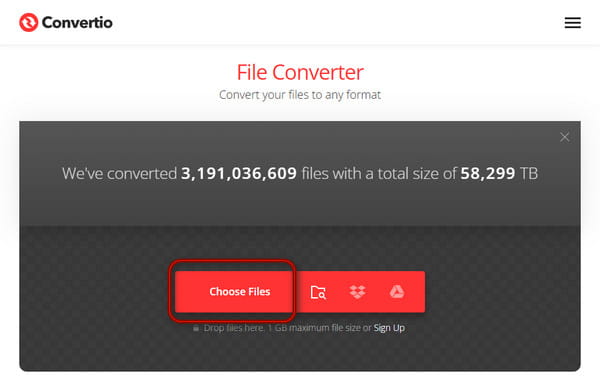
1. Go to the official site in any browser and click Choose Files to import the source file.
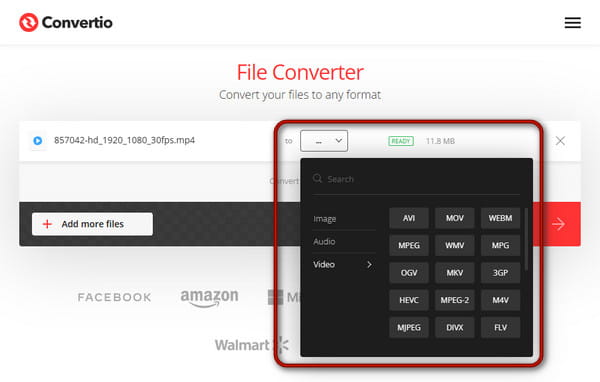
2. After uploading, open the Format picker and choose a format you want.
3. Click Convert to upload and process your file. After that, click Download to save the file.
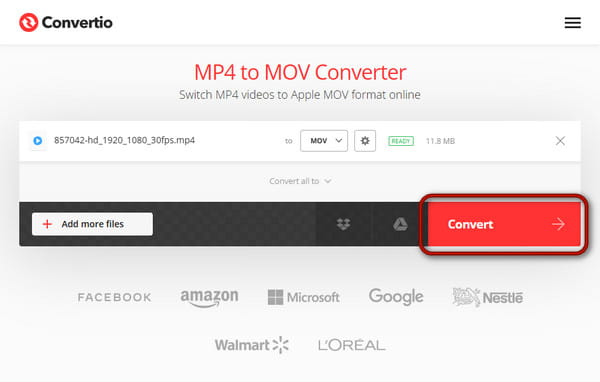
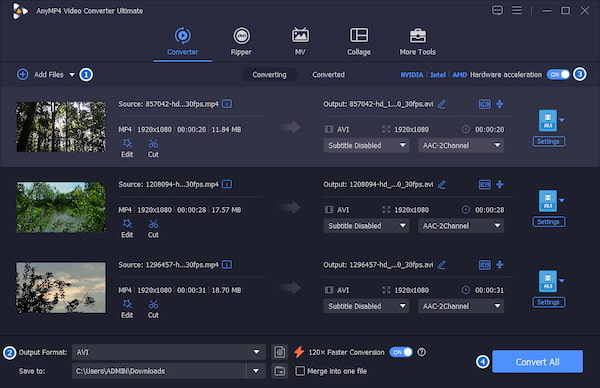
Online services can be inconvenient because of upload times, daily credits, and internet dependence. If you regularly convert videos and audio files, use AnyMP4 Video Converter Ultimate. Unlike Convertio, this offline converter imposes no limits on the file size or daily credits.
Secure Download
Secure Download
It can convert hundreds of media files to more than 500 formats without lags or crashes. It uses GPU hardware acceleration to achieve a 120× speedup in conversion. This desktop video converter processes media locally, ensuring upload privacy. It also includes additional tools for video editing, compression, AI enhancement, and DVD conversion.
This tool is suitable for use by students and office workers who require occasional conversions from time to time. Nevertheless, Convertio’s file size limit is a disadvantage for batch users, large file handlers, and people who are concerned about their privacy and wish to convert files locally.
PROS:
CONS:
How many conversions free on Convertio?
Convertio gives you 10 free conversion credits per 24 hours on its standard website tier. The API service allows up to 25 file conversions per 24 hours.
Why is my conversion stuck in a queue?
Those who use free versions have to share server space and wait for their turn after paying customers, whose processing is prioritized. When there are a lot of simultaneous conversions, your task has to wait in line.
Can Convertio handle a 2 GB+ video?
Yes, Convertio can handle videos over 2 GB, but only if you upgrade to the Basic plan. The free version and Lite plan strictly enforce a 1 GB maximum file size.
Throughout this Convertio review, we explored how Convertio works as a cloud conversion tool. Our comparison with online tools also showed that Convertio is not the only convenient browser-based option. However, the daily conversion credits, file-size restrictions, and privacy limitations restrict users who demand more. In this case, we recommend using AnyMP4 Video Converter Ultimate. This offline converter offers daily credits, no file size restrictions, and, most importantly, 100% secure, safe files.
 Posted by Alice Thorne to Converter
Related Articles
 Any Video Converter Review: Free vs. Ultimate? Real Test
Our Any Video Converter review covers Free version 9.2.6 and Ultimate version 9.1.5. Read our review to see how they perform in features, speed, and quality.
 HD Video Converter Factory Pro Review: Should You Buy It
Read the latest review of HD Video Converter Factory Pro. We’ll cover features, price, performance, and limits. See whether it’s worth buying or choose AnyMP4.
 Freemake Video Converter Review: Is It Still Worth Using in 2026
Tired of Freemake Video Converter's hidden watermarks and slow conversion? Read our 2026 hands-on review and discover the best watermark-free alternative.
 CloudConvert Review: Formats, Free Limits & Alternatives
This CloudConvert review covers the tool’s daily credit allowance, size limits, paid credits, and more. Also, discover its best online and offline alternatives.