
AnyMP4 DVD Ripper is the best choice for mobile video fans to rip DVD video to portable device compatible video formats. If you have the popular Archos 9 PC Tablet, you can enjoy high-quality DVD video with the help of this amazing software.
The Archos 9 PC Tablet computer is a next-generation personal digital device. It merges the power of a desktop and the portability of a netbook with the precision of cutting edge portable multimedia — the trademark specialty of Archos. It is built with a 8.9 inch touch screen and supports multiple video formats including HD formats.
Secure Download
Secure Download
You must install AnyMP4 DVD Ripper in order to use the software. You can install it to the default path of your PC, or choose your preferred installing path.
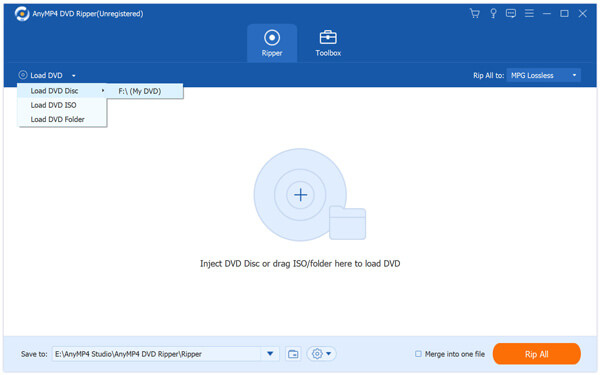
Open your DVD drive tray and put your original DVD disc in it, then click the "Load DVD" button to start reading the disc. The software will then show the DVD files in the "File Name" list. If you need to remove a file from the "File Name" list, select it and click the "Remove" button.
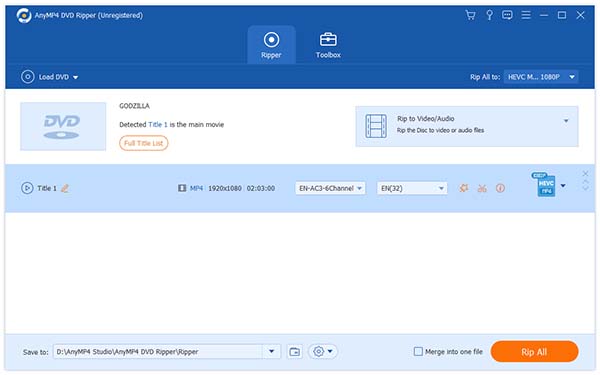
Click the "Profile" drop-down list and select Archos 9 profile. If you cannot find it, input it in the text area to order the software to find it for you.
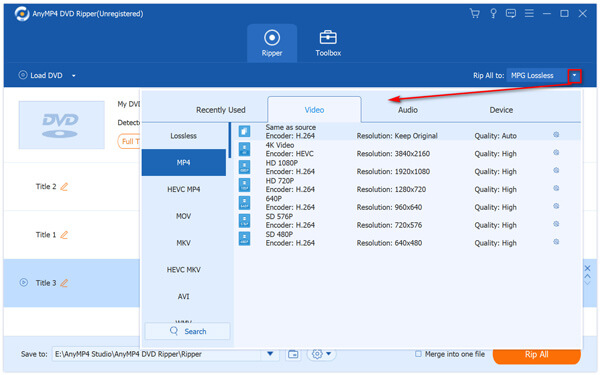
Use the editing tools provided by AnyMP4 DVD Ripper to conduct specific video effect customization. With these versatile tools you can trim video for your needed length, crop video frame to remove black edges, join video clips into one single file, add watermark to personalize the video, and adjust Video Brightness, Saturation, Contrast, Hue and Saturation.
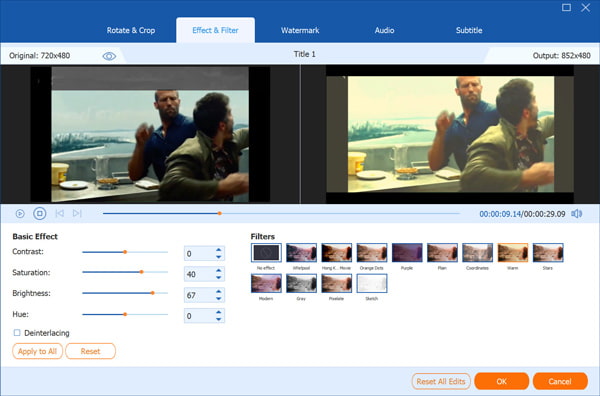
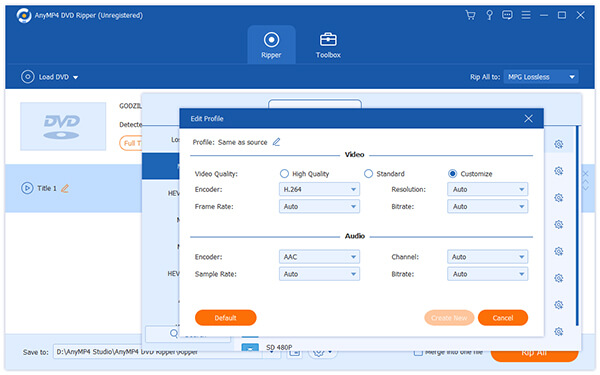
If you are still not content with the video effect, you can adjust output parameters as well. Video Encoder, Resolution, Bitrate, Aspect Ratio, Frame Rate as well as Audio Encoder, Bitrate, Channels and Sample Rate are all adjustable.
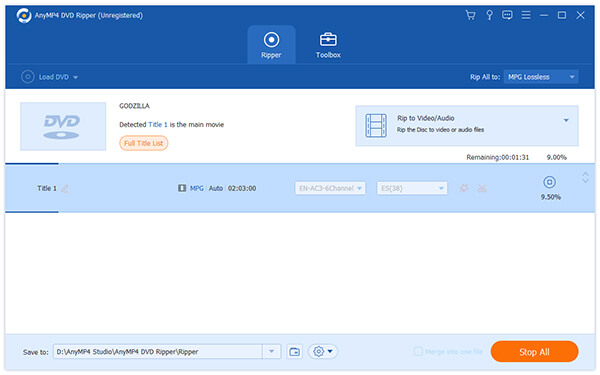
AnyMP4 DVD Ripper allows you to choose your preferred audio track and subtitle if they are available.

Here comes the final step. Click the "Rip All" button to rip DVD video to Archos 9 compatible format. When the progress bar reaches 100%, you can watch DVD video with your Archos 9 without limits.
 Updated by Joan Aimee to DVD
Related Articles
 Top 4 Solutions to Play DVD on Xbox 360
When you wanna to enjoy DVD with Xbox 360, you can learn the 4 methods to help you.
 Top 15 AVI to MP4 Free Converters You Really Want
This article introduces top 15 Free AVI to MP4 Converters for users to convert AVI.
 The Easiest Way to Play MP4 on DVD Player
DVD Player can load and play MP4 video now through top 2 methods here with ease.
 What Format do DVD Players Use Always
The commonly used format for DVD. Learn the formats supported by DVD Players.
 Add your comments to join the discussion here
