
TS video is known for its high video definition and compelling video quality. AnyMP4 DVD Ripper for Mac can help DVD fans rip DVD video to TS format with fast speed and high quality. It also possesses amazing video effect customization function.
MPEG transport stream (TS) is a standard format for transmission and storage of audio, video, and data, and is used in broadcast systems such as DVB and ATSC.
Secure Download
Secure Download
At first you should install AnyMP4 DVD Ripper for Mac to your Mac PC. You can use the default path to install the software, or select your preferred installing path.
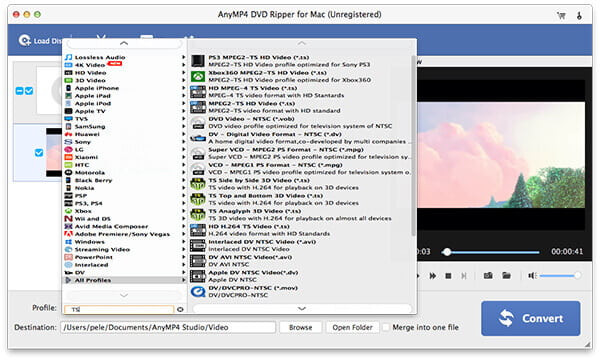
Open your DVD drive tray and put your original DVD disc in it, then select "File > Load DVD". After reading the disc, the software will show the DVD files in the "File Name" list. Then you can arrange their order, and remove unwanted files from the "File Name" list by clicking the "Remove" button.
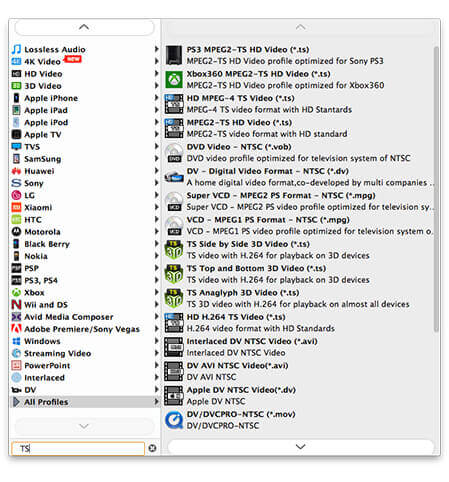
You should select TS format from the "Profile" drop-down list. Cannot find your needed video format? Just input it in the text area then the software will automatically find it for you.
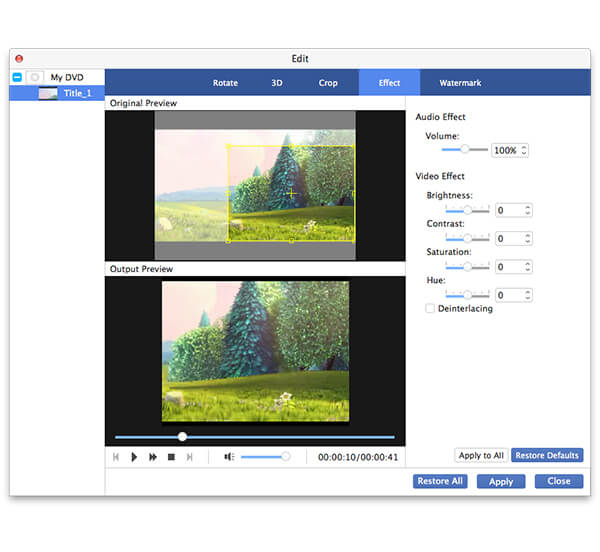
AnyMP4 DVD Ripper for Mac is designed with a collection of versatile editing tools that can help you conduct specific video effect customization. You can use these tools to trim video length, crop video frame, merge video clips into a single file, add text/image watermark to personalize the video and adjust Video Brightness, Saturation, Contrast, Hue and Volume.
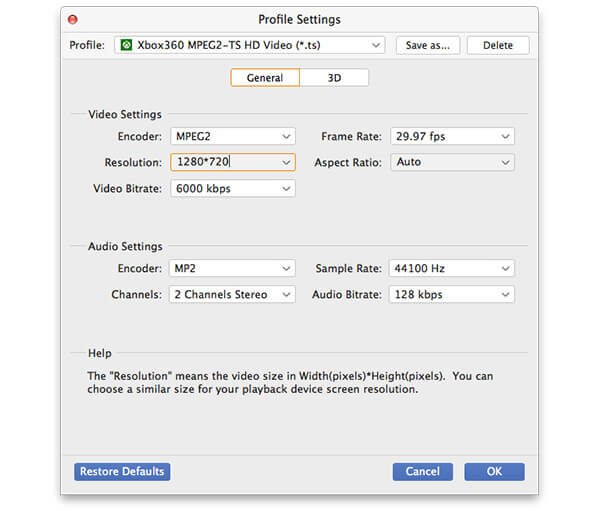
 ?
?You can also customize output parameters to further optimize video effect according to your preferences. You can adjust Video Encoder, Resolution, Bitrate, Frame Rate, Aspect Ratio and Audio Encoder, Bitrate, Channels and Sample Rate to bring the video quality one step closer to perfection.
AnyMP4 DVD Ripper for Mac allows you to choose your preferred audio track for the video, and add subtitle to the video for better enjoyment.

The last step you should do is click the "Convert" button, then the software will start ripping DVD video to TS format.
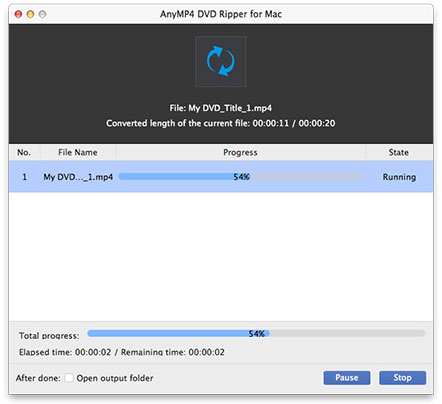
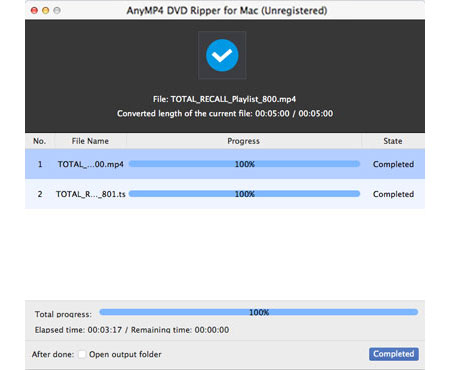
When the progress bar reaches 100%, you can enjoy high-definition TS video with high-end video players such as PS3 or Xbox 360.
 Updated by Joan Aimee to DVD
Related Articles
 How to Do Split Screen/Make a Video Collage on TikTok
Want to do a split screen for your videos on TikTok? This article will show you how to do it most easily. Plus, you can learn how to make more overwhelming split-screen videos here.
 How to Use PS3 Play Blu-ray With Perfect Effect
PlayStation 3 has the ability to play Blu-ray discs and DVDs with perfect effect.
 How to Play DVD on MacBook Pro With Ease
What should you do to play DVD on MacBook Pro? Here are the solutions for you.
 Fix the Issue in Windows Media Player Won't Play DVD
Top 5 windows media player alternatives to play dvd on Windows 8/10 with ease.
 Add your comments to join the discussion here
