
AnyMP4 DVD Ripper for Mac is designed with amazing techniques and efficient solutions that can help you rip DVD disc to any popular video format on Mac PC. You can use this software to rip DVD video to SWF format, which is widely used by online video websites.
ShockWave Flash, also known as SWF, is a file format that contains animations or applets of varying degrees of interactivity and function. SWF is one of the finest online video format that is known for its high video quality and small video size. SWF files can be generated from within several Adobe products such as Flash, Flash Builder and After Effects.
Secure Download
Secure Download
You must install AnyMP4 DVD Ripper for Mac to your Mac PC in order to use the software. If the installation is successful, you can open the software and check out its interface.
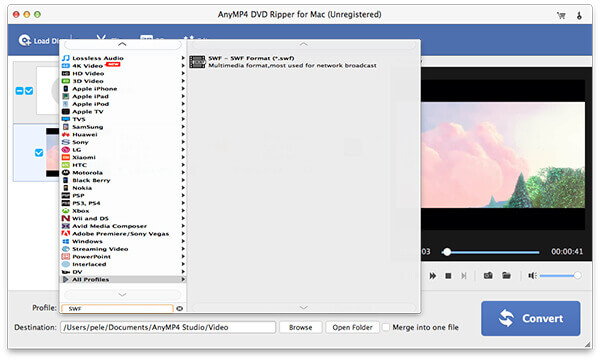
Put your original DVD disc in the DVD drive tray and click the "Load DVD" button, then the software will read the disc and show the DVD files in the "File Name" list. You can arrange the order of these files, and remove unwanted files by selecting them and clicking the "Remove" button.
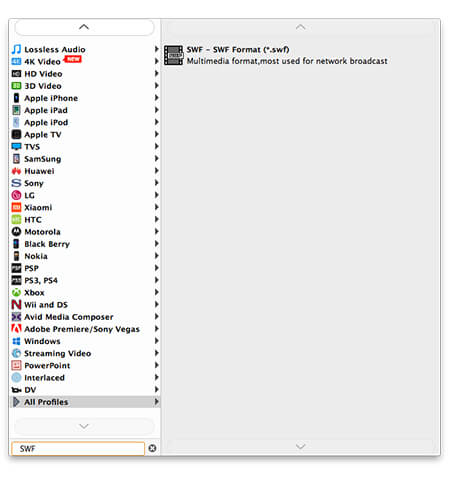
Click the "Profile" drop-down list to select SWF format. If you cannot find your needed video format, just input it in the text area and let the software find it for you.
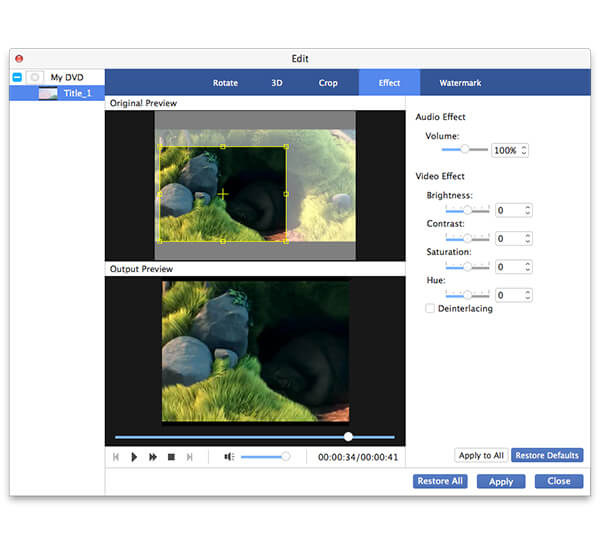
In order to bring you impressive and unforgettable visual experience, AnyMP4 DVD Ripper is designed with a collection of editing tools that can help you customize video effect. You can use this tools to trim video for your needed length, crop video frame to get rid of black edges, merge video clips into one single file, add text/image watermark to personalize the video, and adjust Video Brightness, Contrast, Saturation, Hue and Volume to improve video effect.
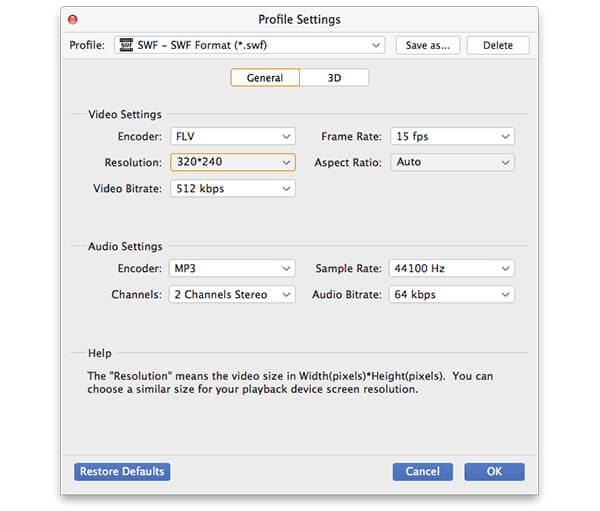
You are also allowed to further optimize video effect by adjusting output parameters. Video Encoder, Resolution, Bitrate, Aspect Ratio, Frame Rate and Audio Encoder, Channels, Bitrate and Sample Rate are all adjustable.
Many video files have multiple audio tracks. AnyMP4 DVD Ripper for Mac allows you to choose the audio track you need and add subtitle to the video file.

After all the customizations, click the "Convert" button to start ripping DVD disc to your needed SWF format.
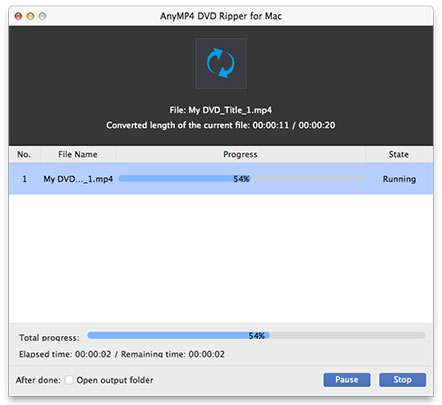
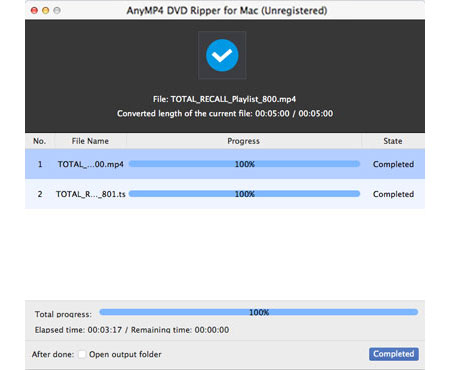
When the progress bar reaches 100%, you can get your SWF video. You can upload it to the Internet and share it with your friends.
 Updated by Joan Aimee to DVD
Related Articles
 How does Xbox One Play Blu ray Disc and Movie
You can play Blu-ray disc on your Xbox One. Learn about the way to play Blu-ray on Xbox One.
 Fix the Issue in Windows Media Player Won't Play DVD
Top 5 windows media player alternatives to play dvd on Windows 8/10 with ease.
 Top 20 Free and Ultimate MP4 Player Software
This article will introduce you 20 MP4 Players and they can be used on windows or Mac.
 Best WinX DVD Player to Play DVD Movies Efficiently
Here are top 4 alternative DVD Players of WinX DVD Player to Play DVD disc/movie.
 Add your comments to join the discussion here
