
Blu-ray is the most popular and promising video disc around the world and can store high-definition video. But it can only be played with Blu-ray players. AnyMP4 Blu-ray Ripper can rip Blu-ray video to other video formats such as AVI with astonishing speed and fantastic video quality. Then you can play the high-definition video with any video player or with all kinds of portable devices.
AVI is a multimedia container format introduced and developed by Microsoft, which can contain both audio and video data in a file container that allows synchronous audio-with-video playback. AVI format is popular throughout the world.
Secure Download
Secure Download
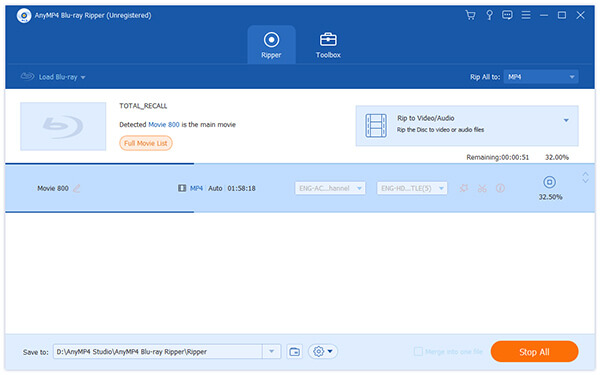
You can download AnyMP4 Blu-ray to AVI Converter from here or from the product page of our website by clicking the "Download" button. Then you should install the software to your computer. After installing successfully, you can open this software and view the interface.
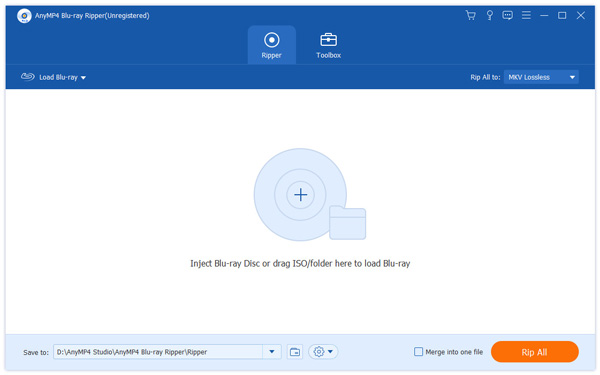
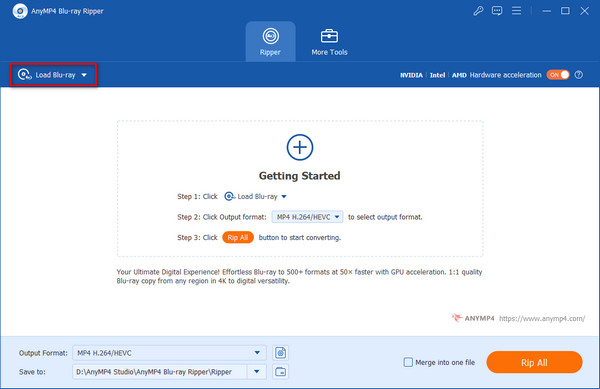
Select "Inject Blu-ray Disc" or click the "Load Blu-ray" button on the toolbar to load Blu-ray Disc to the software. After a few seconds, it completes the whole Blu-ray disc loading, selecting the longest playlist to preview in the "built-in" player right to the main interface.
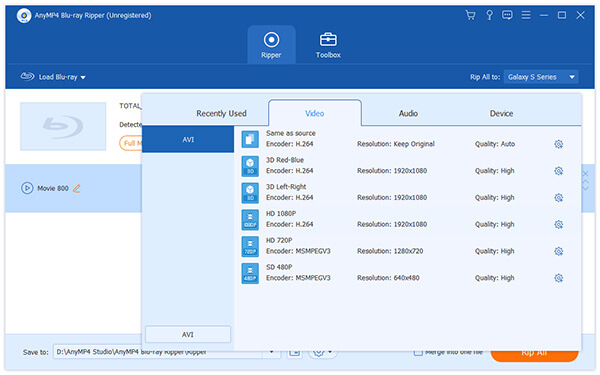
Click the "Profile" drop-down list and input the word "AVI" to the quick search box, then the software will automatically show you the AVI column, and allows you to select the needed AVI format as the output format.
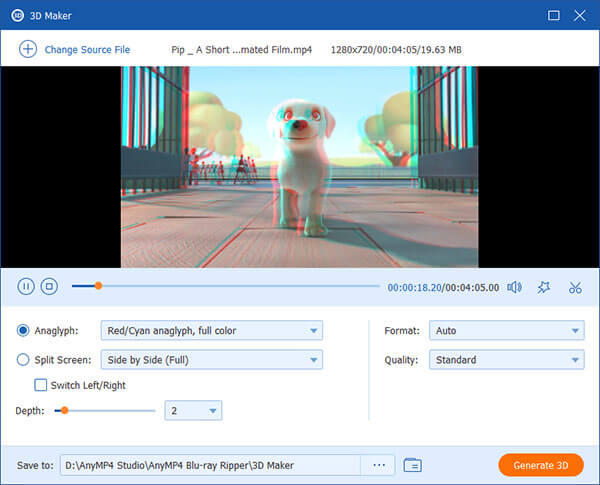
Click "Edit" button on the toolbar to conduct video customization. In the "Edit" interface, you can define the 3D settings, crop video frame, add text/image watermarks to the video, adjust audio effect and Video Brightness, Hue, Contrast, Saturation and Volume.
You can start the ripping progress by clicking the "Rip All" button. AnyMP4 Blu-ray can finish the ripping task soon.
When the progress bar reaches 100%, you can enjoy the converted AVI video with your portable devices such as iPhone, iPad and Xoom.
 Updated by Joan Aimee to Rip Blu-ray
Related Articles
 How to Hook up a DVD Player With Ease
Top ways to connect A DVD player to TV in details and you can follow the steps below.
 Top 5 Google DVD Players to Rip DVDs to Chromecast
Top 5 Google DVD Player for you to rip and stream DVD movies to Chromecast.
 How to Play MP4 on Windows Media Player
Still don't know how to play MP4 on Windows Media Player? You can read this article.
 How to Play MP4 on PS4, Xbox One, or Plex
Can't play MP4 on PS4, Xbox One or Plex? This article introduces the best solutions for you.
 Add your comments to join the discussion here
